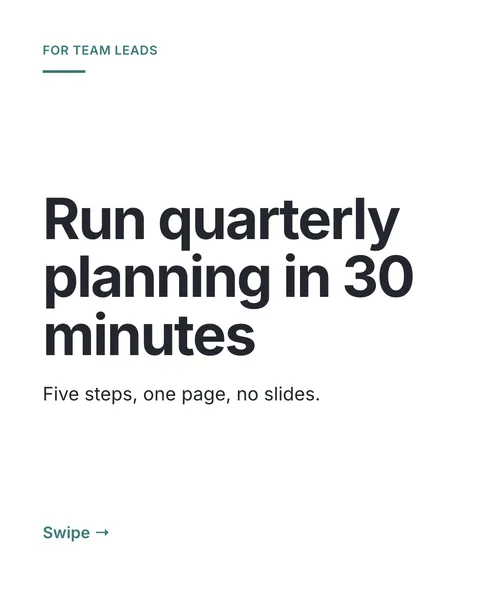


In short
Your best text posts already showed that people care about the idea. A carousel tells it again in a format that looks different in the feed and can be saved. Posting the same idea a few weeks later in a new format is a common way to reuse it.
Steps
- Copy the post's text from LinkedIn.
- Paste it into the prompt box with one line above it: "Turn this into a carousel, one point per slide, keep my words where possible."
- Pick the tips you want. "One idea per slide" and "Hook on the cover" suit a text post. See the tips.
- Generate, then retype any line that does not sound like you, straight on the slide. See editing by hand.
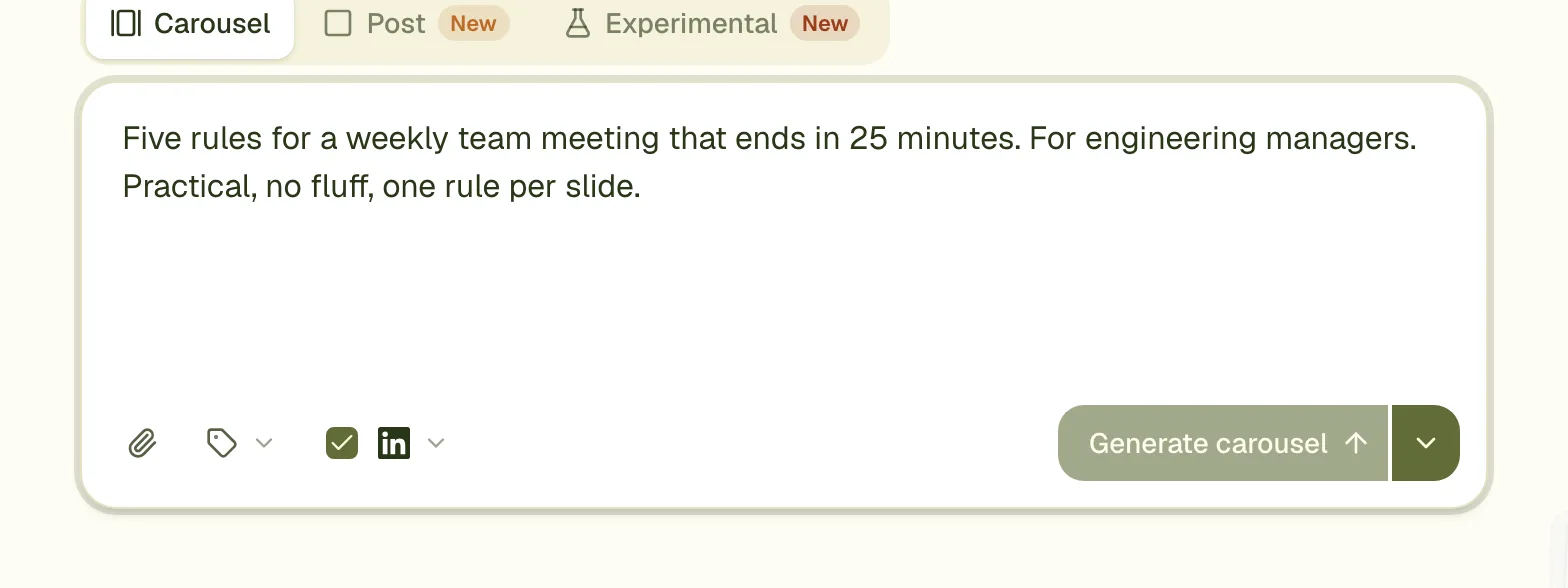
What changes from post to carousel
| In the post | On the slides |
|---|---|
| The first line hooks the reader | The cover does, in large type |
| Short paragraphs | One point per slide |
| A list | One item per slide, or the whole list on one slide if it is short |
| Your closing question | The last slide, or the new caption |
Post it with a new caption
Do not paste the old post as the caption. Write two or three new lines that give a reason to swipe. See writing the caption.
Questions
Should I say it was a post before?
There is no need. If you want to, one line such as "I wrote about this last month, here it is as a guide" is honest and short.
Can I add my photo?
Yes. Attach it and say where it goes, or add yourself to a brand to get a small byline with your photo and name on every slide.
Is my post too long for the prompt box?
The prompt box takes up to 6,000 characters, more than a LinkedIn post holds.
Make this carousel now
Describe it once. The designer lays out every slide, and you fix what you dislike by commenting.
Try for free nowNo sign-up needed to try. The free plan exports with a small carouselgen.com mark.