In short
A LinkedIn post has three parts: a hook that earns the click on See more, a body that keeps its promise, and an ending that gives the reader something to do.
1. The hook
The first two lines show before the See more link. They have to be a reason to keep reading. Start with the point, a surprise or a specific situation, not with "I am excited to announce".
| Weak opening | Stronger opening |
|---|---|
| I want to talk about hiring. | I hired the wrong person twice before I changed one question. |
| Some thoughts on meetings. | We deleted our weekly status meeting. Here is what replaced it. |
| Tips for cold emails. | Most cold emails lose the reader in the first line. |
2. The body
- One idea. If you have three, you have three posts.
- Short paragraphs, one to two lines, with a blank line between them.
- A concrete example for every claim. Names, tools, steps.
- No number or statistic you cannot source.
3. The ending
End with one thing: a question you want answered, a request to save it, or a link for those who want more. Two endings split the response.
Edit before you post
- Cut the first sentence. The second is often the real start.
- Remove words that do not change the meaning.
- Read it aloud. If you would not say it to a colleague, rewrite it.
When the idea has steps
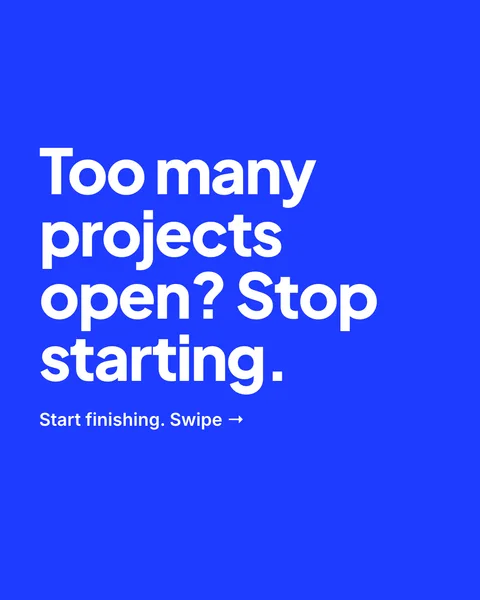
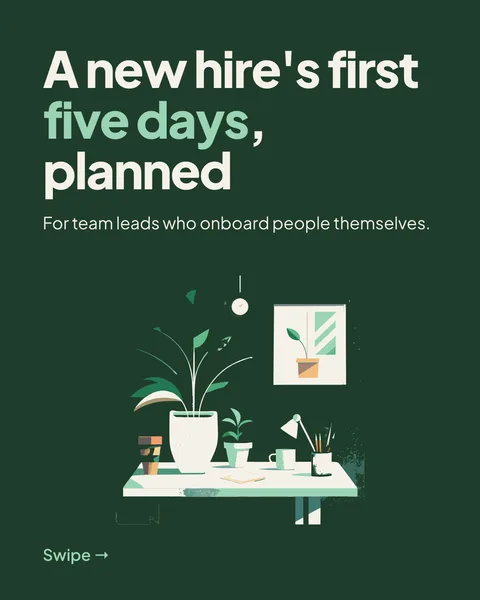
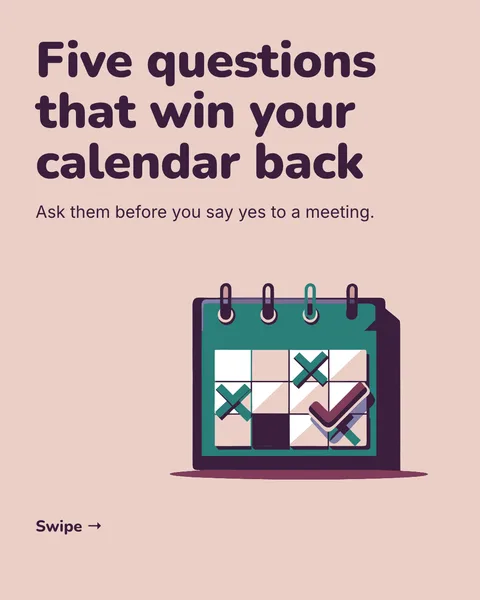
If it is a list, a process or a comparison, a carousel shows it better than text. For formats, see LinkedIn post formats.
Questions
How long should a LinkedIn post be?
Long enough to make one point with an example. The first two lines matter most, because the rest is hidden behind See more.
How do I start a LinkedIn post?
With the point, a surprise or a specific moment. Avoid announcements that say nothing until the third line.
Make this post now
Describe the idea. You get one designed image with your words on it, ready to post.
Try for free nowNo sign-up needed to try. The free plan exports with a small carouselgen.com mark.