In short
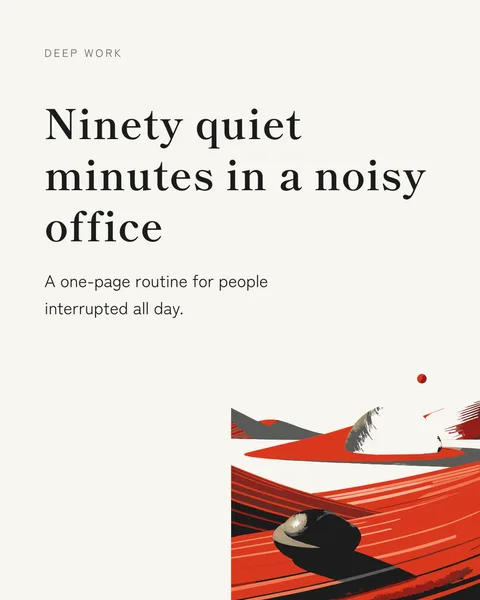
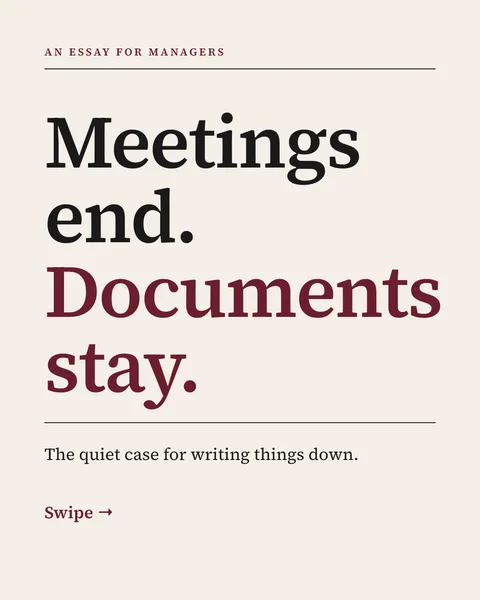
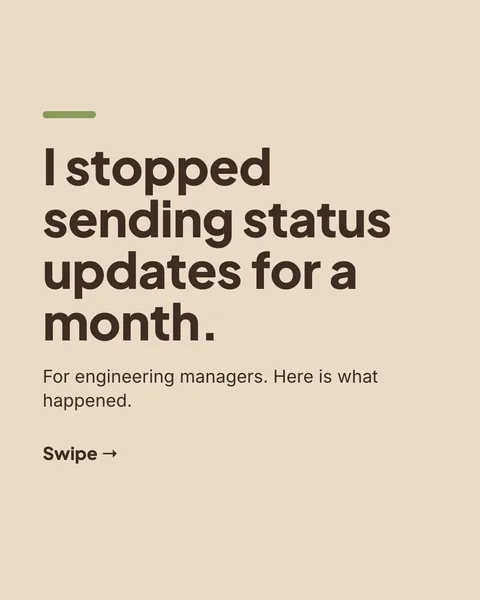
In the feed, people see the cover and little else. LinkedIn's own guide for document ads says the cover is the first thing seen. So the cover has one job: make the right reader want slide two. The examples below are sample lines, not statistics.
Ten formulas
| Formula | Sample cover line |
|---|---|
| A specific result | How we cut onboarding calls from 6 to 2 |
| A number of steps | 5 steps to a proposal that gets a yes |
| Name the reader | For managers who dread the Monday meeting |
| A mistake to avoid | The email mistake that costs you the reply |
| A question the reader asks | Why does nobody read your job ad? |
| A contrarian claim | Stop writing weekly status reports |
| Before and after | My first pitch deck vs my last |
| A template or checklist | The checklist I use before every launch |
| A story opening | The day a client fired us, and what changed |
| A promise with a limit | Fix your headline in 10 minutes |
Use numbers only when they are yours. A made-up figure on a cover is the fastest way to lose a reader's trust.
What a good cover does
- States one specific promise in about 10 words or fewer.
- Is the largest text in the carousel.
- Names the reader or their problem. A generic title helps nobody.
- Has at most one short line under the headline. A cover that is only a logo wastes the slot.
Let the designer do it
The "Hook on the cover" tip in the prompt box asks for exactly the list above. You can also write the cover line yourself in the brief, and comment on it until it fits.
Questions
Should the cover have a picture?
It can, but the words do the work. A picture should support the promise, not replace it.
Does a question work better than a statement?
There is no good data either way. Test both on your audience.
How long should the headline be?
About 10 words or fewer, large enough to read on a phone.
Make this carousel now
Describe it once. The designer lays out every slide, and you fix what you dislike by commenting.
Try for free nowNo sign-up needed to try. The free plan exports with a small carouselgen.com mark.