
In short
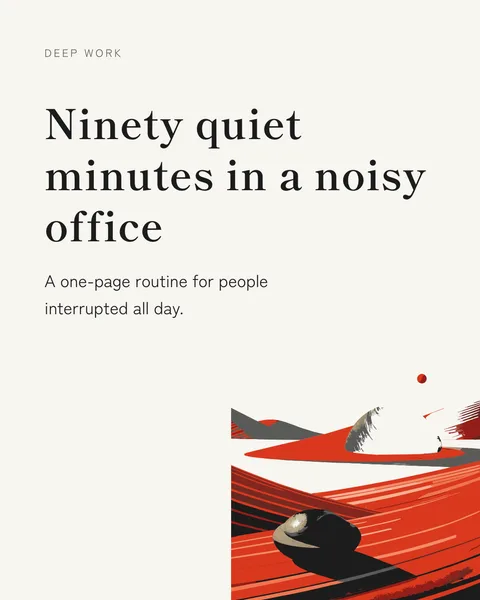
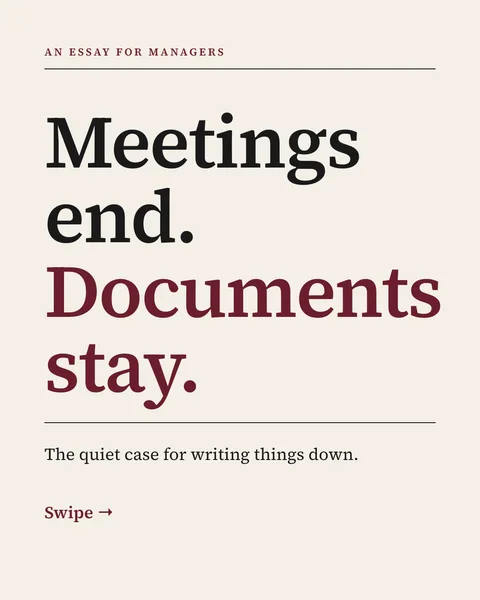
A paper is written for reviewers. A carousel is read on a phone between two meetings. The work is choosing: one question, one finding, what it means for the reader. The designer does the layout; you decide what matters.
A structure that works for research
- Cover: the finding as a plain sentence, not the paper's title.
- The question the study asked, and why the reader should care.
- How it was studied, in one or two lines: sample, method, period.
- The main result, with its number.
- One or two further results, if they change what the reader does.
- Limits: what the study does not show.
- What it means in practice.
- Last slide: the full citation and where to read the paper.
Steps
Attach the PDF
Up to 100 pages and 20 MB. The text and every page are read, so tables and figures count too.
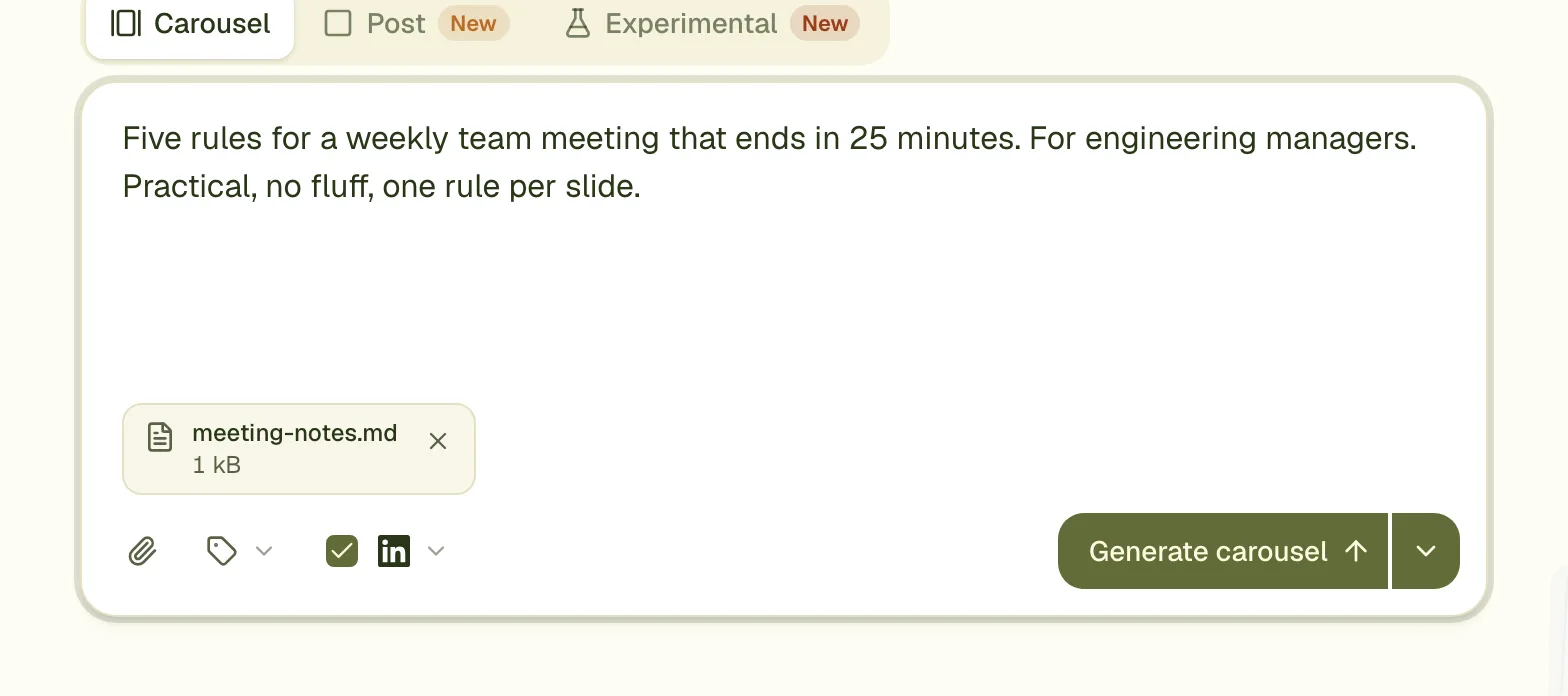
Say who it is for
"For HR leads" or "for clinicians" changes the words more than anything else you write.
Name the finding to lead with
If you do not, the designer picks one. You know which result the paper is really about.
Check every number
Compare each figure on the slides with the paper before you post. The designer is told not to invent numbers, and your name is on the post.
Charts and figures
Ask for a chart by slide: "slide 4: a bar chart of the three groups' results". The designer draws simple bar and line charts on the slide from the numbers in the paper. To show one of the paper's own figures as it is, attach it as a separate image and say which slide shows it.
In another language
The carousel is written in the language of your brief, so an English paper can become a German carousel when the brief is in German. A finished carousel can also be translated.
Questions
May I share my paper as a carousel?
That depends on your publisher's terms, mostly for reproducing figures and long passages. Your own short summary of your findings is a different thing from copying the paper; check the terms before you reuse figures.
My thesis is longer than 100 pages. What now?
Attach only the chapters you need as a smaller PDF, or paste the abstract and results as text. The limit is 100 PDF pages per carousel.
Will it cite the paper?
Ask for it in the brief, as in the example above, and write the citation the way you want it shown.
Make this carousel now
Describe it once. The designer lays out every slide, and you fix what you dislike by commenting.
Try for free nowNo sign-up needed to try. The free plan exports with a small carouselgen.com mark.