
In short
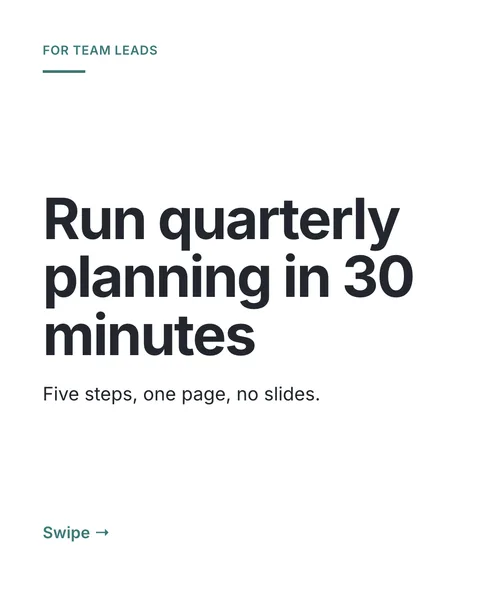
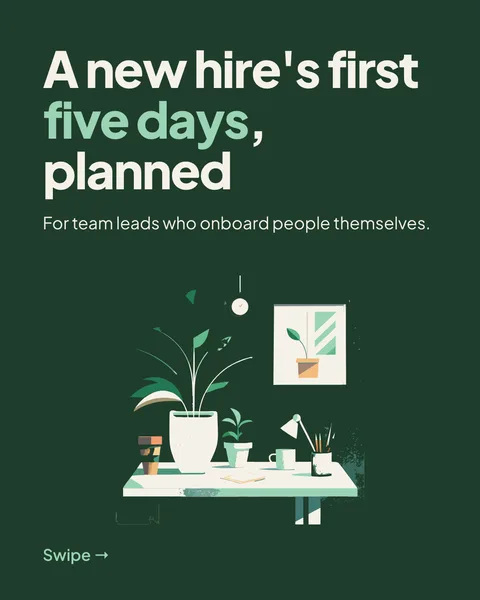
You have a report, a whitepaper or a slide deck as a PDF, and you want a carousel from it. carouselgen does not cut your PDF into pages. It reads the document and designs new slides that tell its story in a few swipes, with your numbers on them.
Attach the PDF
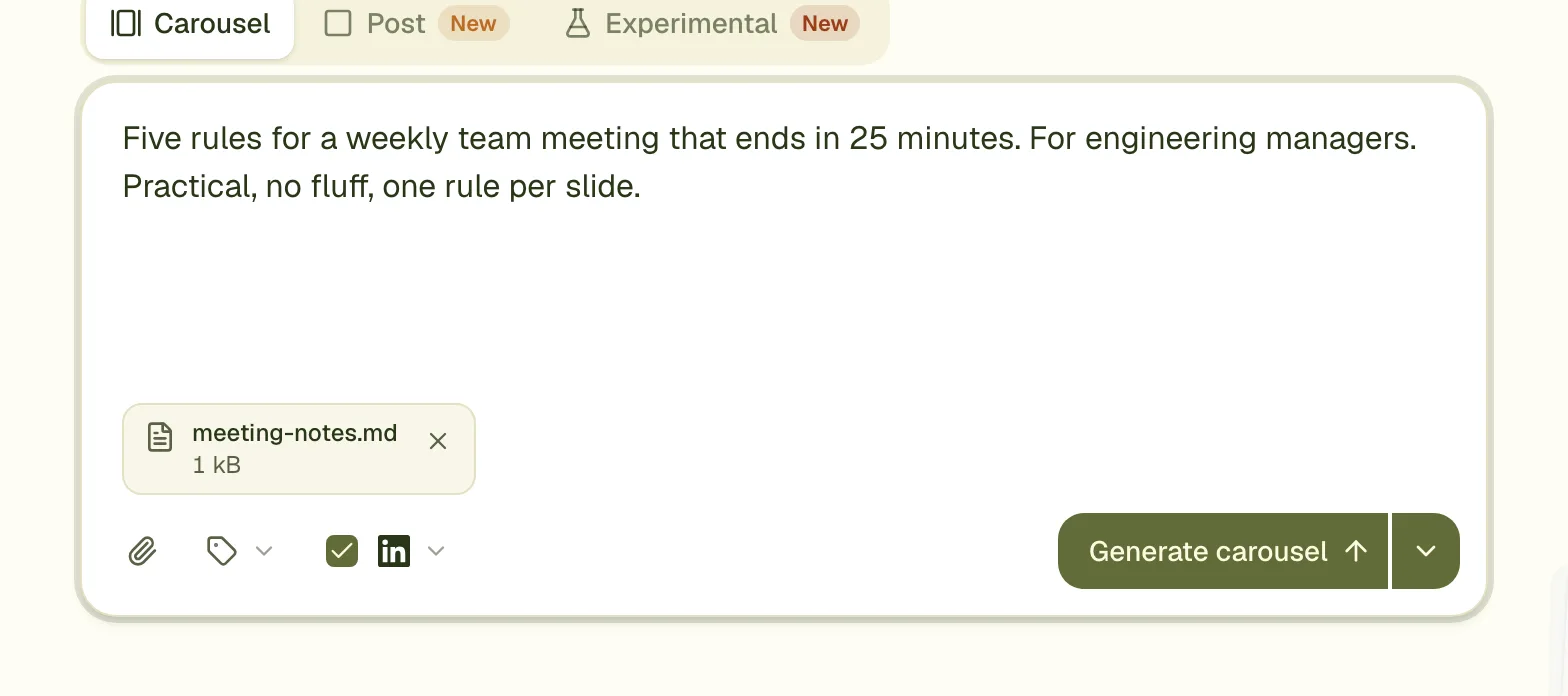
Add the file to the prompt box
Use the attach button, drag the file onto the box, or paste it. It appears as a chip under the text.
Say what the carousel is for
The brief can be empty, and the designer then picks an angle itself. A line helps a lot: "for hiring managers, the three findings about remote work".
Press Generate
The slides appear one by one. Check the numbers against the PDF before you post.
What the designer sees
The PDF goes to Claude as it is, with its text and each page as an image, so charts and tables are read as well as paragraphs. Nothing is extracted on carouselgen's side first.
Limits
- Up to 10 files per carousel, 20 MB together.
- A single PDF can be up to 20 MB and 100 pages.
- A password-protected PDF is refused. Remove the password first.
- The problem shows on the file's own chip, and Generate moves focus to it.
Make it a good carousel, not a summary
- Name the one finding the carousel should lead with. A cover that says what the reader gets beats a cover that names the report.
- Ask for fewer slides than the PDF has pages. Eight to ten slides is a good range for LinkedIn.
- Tell it what to leave out, such as methodology or the appendix.
- Facts and numbers come from the file. The designer is told not to invent any, but compare each figure with the source before you post.
Questions
Does it keep the pages of my PDF?
No. It designs new slides from the content. If you want your own slides as they are, upload the PDF to LinkedIn as a document directly.
Can I attach more than one file?
Yes, up to 10 files, 20 MB in total. You can mix a PDF, images, a Word file and text files.
Will my PDF's pictures end up on the slides?
Images you attach as separate files can be placed on slides. Pictures inside a PDF are read for their meaning; they are not cut out and reused.
Try it on your own carousel
Make a carousel from a short brief, then use this feature on it. It takes about a minute to get the first draft.
Try for free nowNo sign-up needed to try. The free plan exports with a small carouselgen.com mark.