

In short
AIDA is an old copywriting order: grab attention, build interest, create desire, ask for action. A carousel is a good fit because it is already a sequence, and each swipe needs a reason to follow it. carouselgen has AIDA as a switch in the LinkedIn tips menu.
What each part becomes
| Part | On the slides |
|---|---|
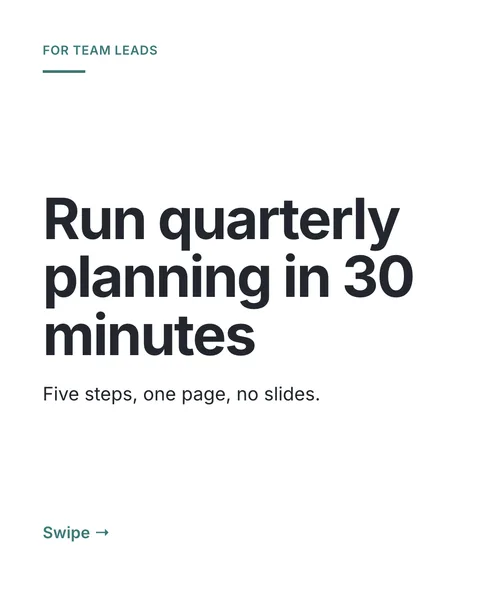
| Attention | Slide 1: the hook. One specific promise, result or number. |
| Interest | One or two slides that say why this matters to this reader and make the next slide worth turning to. |
| Desire | The detail: concrete steps, examples and proof from your material, each more useful than the one before. |
| Action | The last slide: the call to action you wrote in your brief. |
Four orders
- Classic: hook, interest, detail, action. For a plain how-to.
- Double detail: hook, detail, a short slide that restates the promise and points ahead, then detail. For longer how-tos where readers need a breather.
- Extended: hook, interest, detail, detail, action. For a list with more to say.
- Story: hook, three story beats that each raise the next question, then the takeaway and the action. For a personal account.
You do not pick the order. The designer picks the one that suits your material: story for a personal account, classic or extended for a how-to or a list.
What it will not do
- It never prints the words Attention, Interest, Desire or Action as labels on a slide.
- It invents no offer, link or question for the action step. If you wrote no call to action in the brief, the carousel ends on the takeaway.
- Where the "strong last slide" tip is also on, that tip wins for the last slide.
Does it work?
There is no measured effect for AIDA on carousels, and carouselgen's menu says so. It is a way to give a deck a reason to be swiped to the end. Try it on one carousel and compare with your last one.
Questions
Where did AIDA come from?
Wikipedia credits E. St. Elmo Lewis, in the early 1900s, with the model, and a 1921 article with the acronym.
Can I use AIDA for a single image post?
It shapes the sequence of a carousel, so it has no meaning for one slide.
Can I use AIDA together with the other tips?
Yes. For example 8 to 10 slides and one idea per slide combine well with it.
Try it on your own carousel
Make a carousel from a short brief, then use this feature on it. It takes about a minute to get the first draft.
Try for free nowNo sign-up needed to try. The free plan exports with a small carouselgen.com mark.