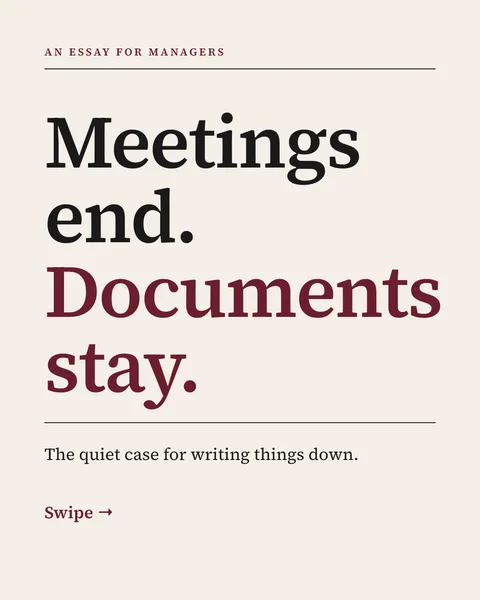
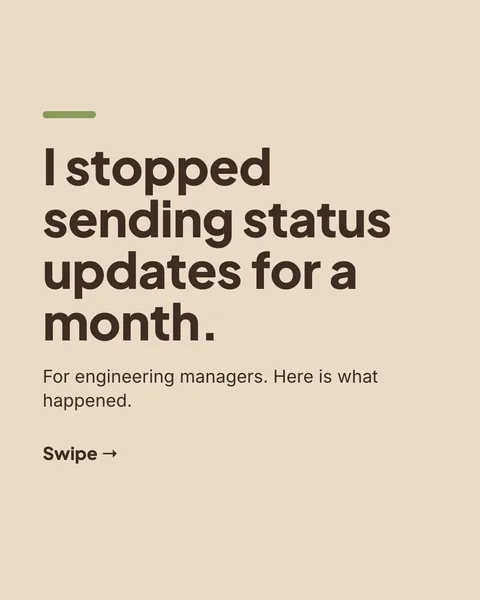
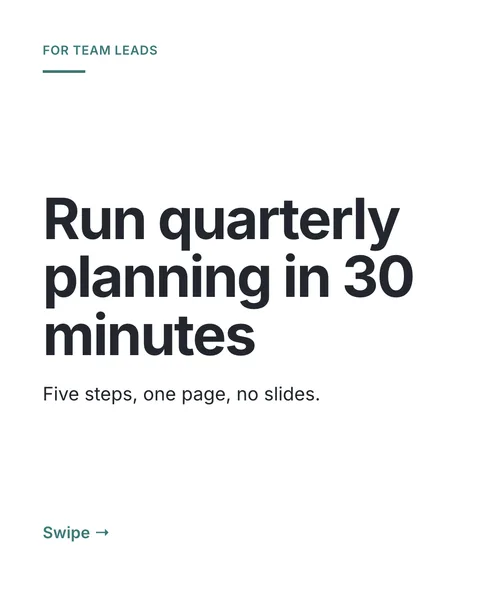
In short
The first draft of a carousel is rarely the last one. In carouselgen you do not rewrite the brief to change one headline. You point at the headline, say what is wrong, and the designer changes that and nothing else.
Comment on a slide in four steps
Hover the part you want to change
On a finished carousel every slide is ready for comments. Move the pointer over a headline, a card or a picture and it lights up like a browser's element inspector.
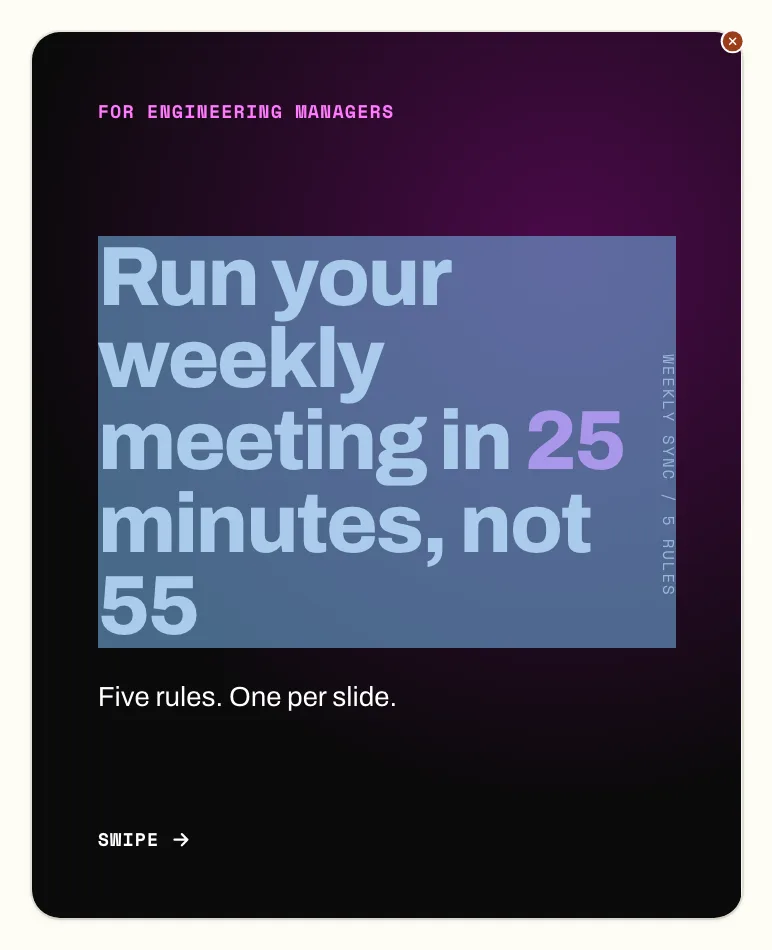
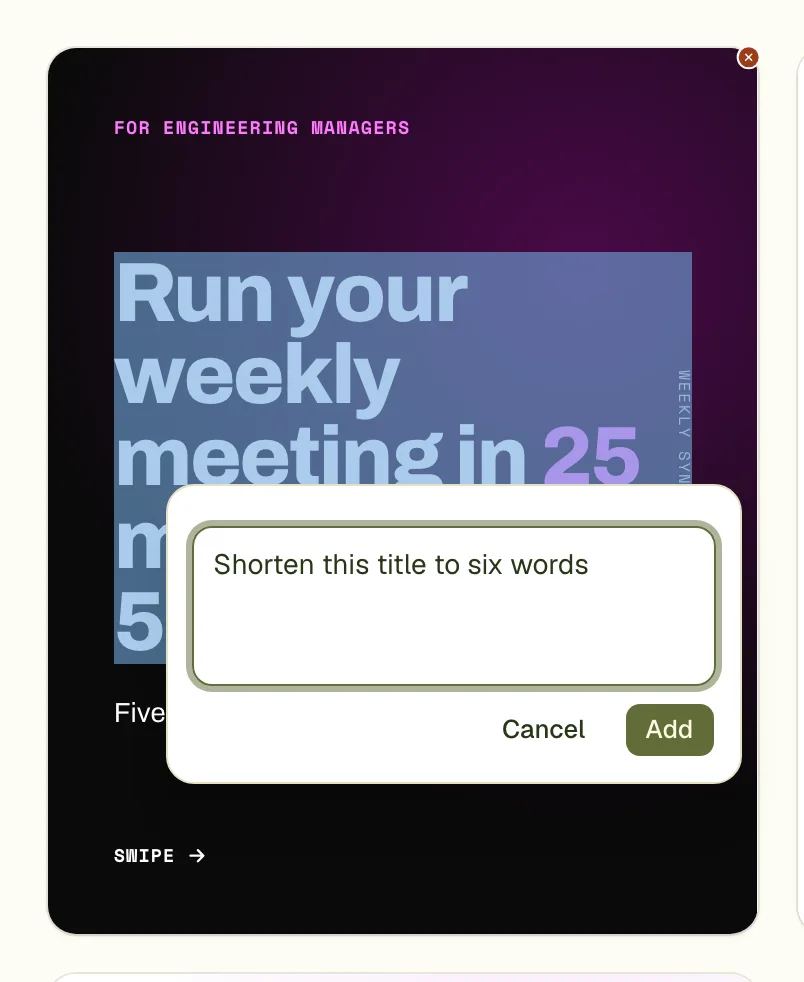
Click and write the note
A box opens where you clicked. Write what you want, such as "shorten this title to six words", and press Cmd+Enter (Ctrl+Enter on Windows) to add it. Esc cancels.
Add more comments if you have them
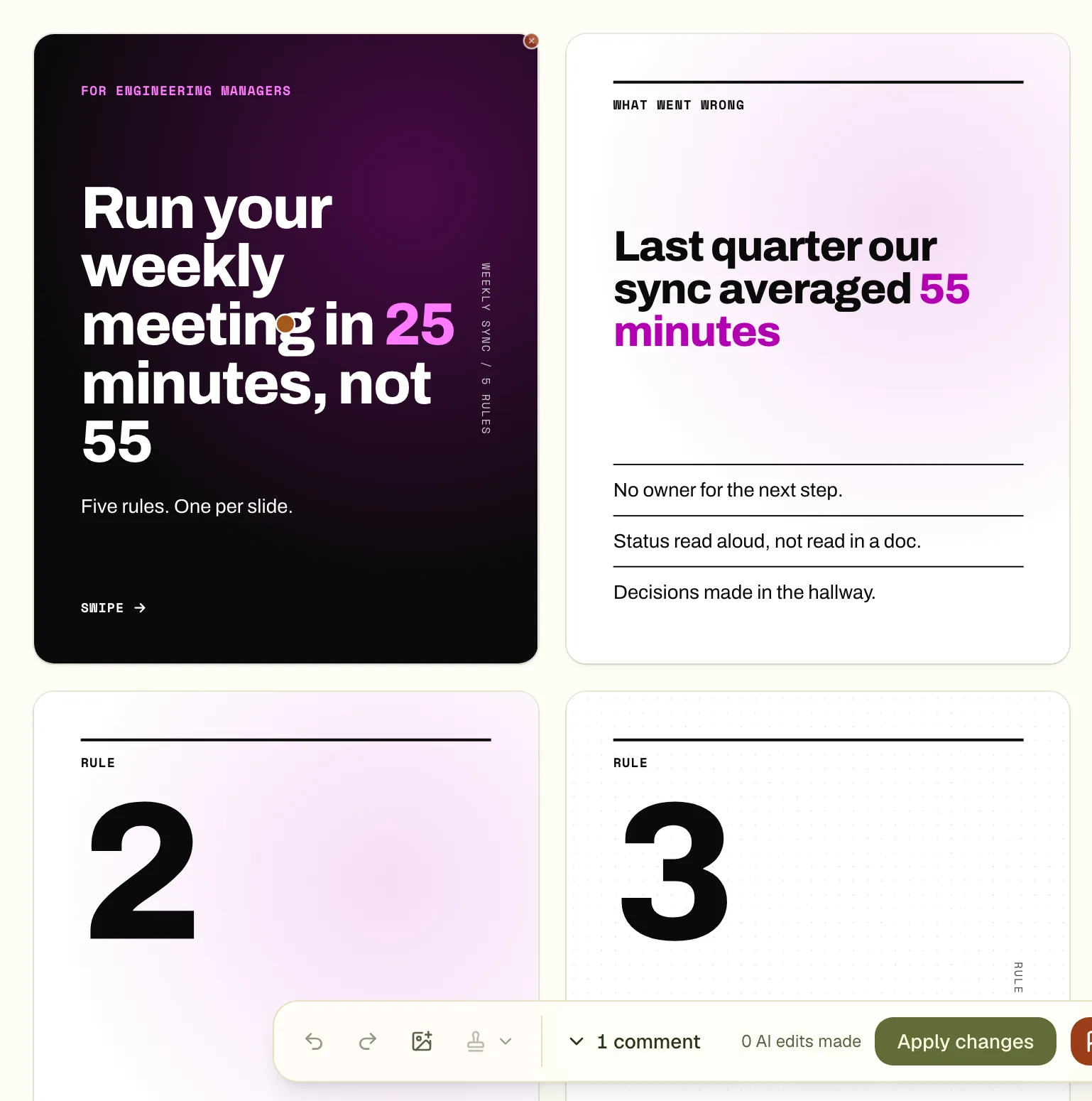
Each note is pinned to its spot and waits in the toolbar. You can pin up to 10 before you apply, on the same slide or on different ones.
Press Apply changes
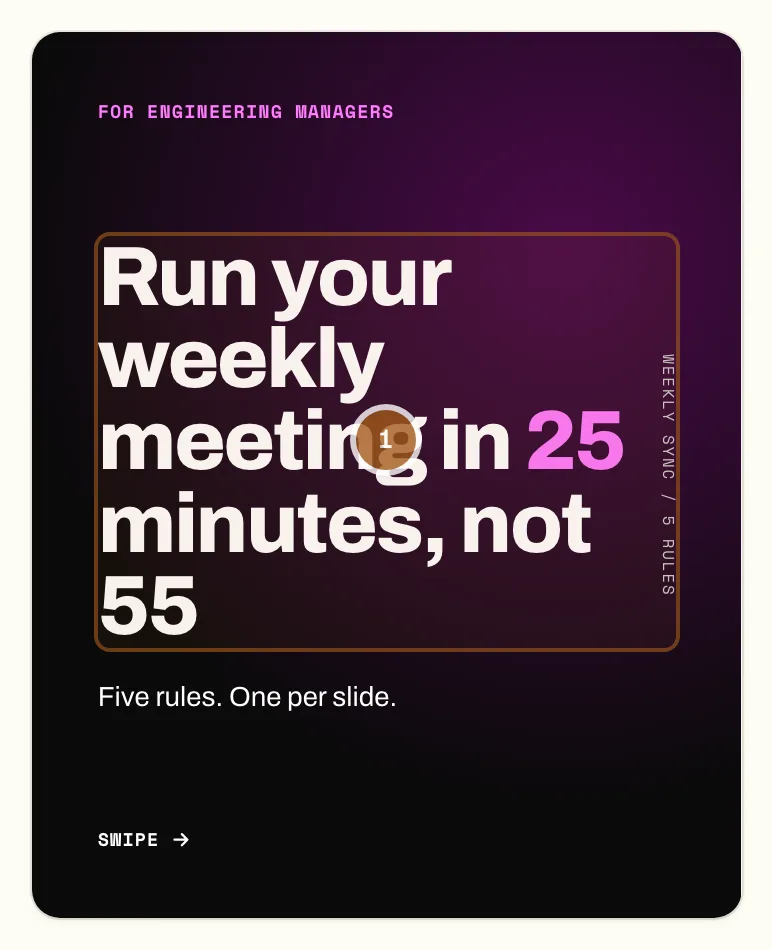
All pending comments go to the designer together, as one round. The commented parts are outlined while it works, and the new version morphs into place on the slide.
What a comment can ask for
- Words: shorten, rewrite, make it more direct, fix a number you gave.
- Look: a bigger headline, a different colour, more space between two lines.
- Layout of one slide: move the picture to the left, turn a paragraph into a list.
- The whole carousel: pin the note on the space between the slides, or write "on every slide". See the guide to changing every slide at once.
- A picture: ask for an illustration of a specific thing, if your plan includes pictures.
Edit rounds and the counter
One press of Apply is one edit round, however many comments it carries. The toolbar shows how many are left, for example "1 of 3 AI edits left". The number per carousel depends on your plan; the free plan has one round per carousel, so gather your notes before you press Apply. See the plans. Changes you make yourself, such as retyping a word, do not use a round.

Questions
How many comments can I make at once?
Up to 10 per edit round. They are sent together, so the designer can see how your notes relate to each other.
Does a comment change only what I pointed at?
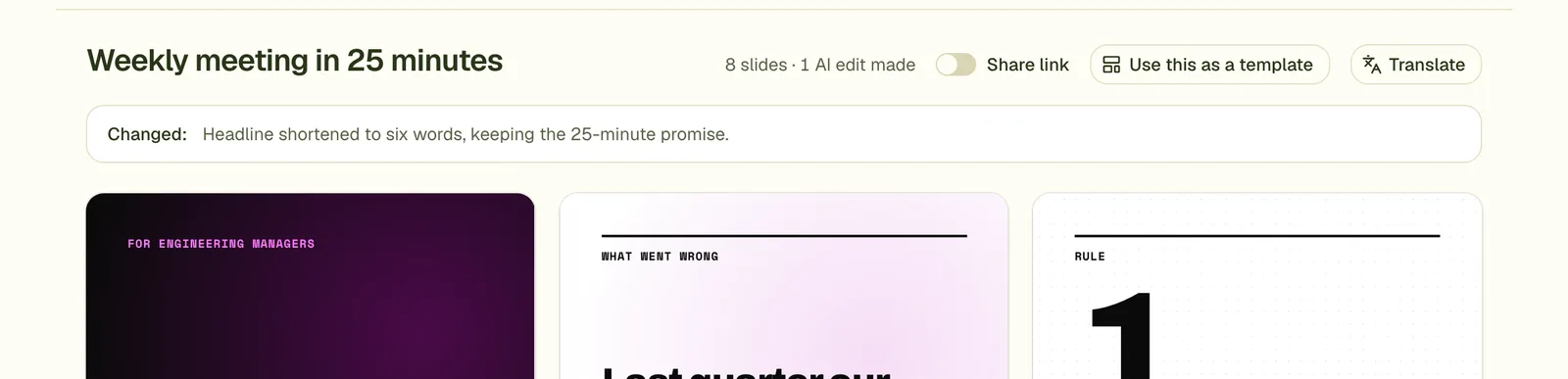
That is the aim. Each comment is stored with the element and the exact spot you clicked, and the designer is told to change only what the comments ask for. Check the list of changes after Apply. If something else moved, undo and comment again with more detail.
Can I edit without writing a comment?
Yes. Right-click an element to retype it, move it, resize it or remove it yourself. These changes use no edit round.
What if a change goes wrong?
Press undo in the toolbar. It takes back the latest change, and redo brings it back.
Try it on your own carousel
Make a carousel from a short brief, then use this feature on it. It takes about a minute to get the first draft.
Try for free nowNo sign-up needed to try. The free plan exports with a small carouselgen.com mark.