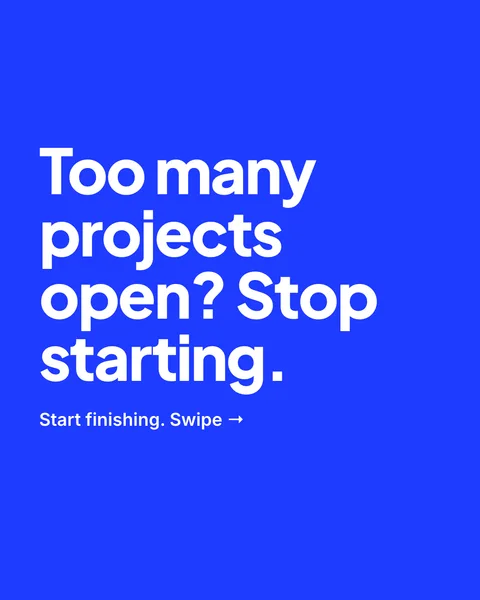
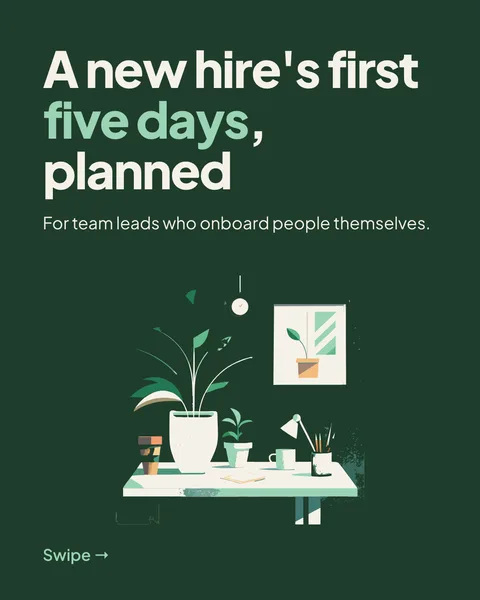
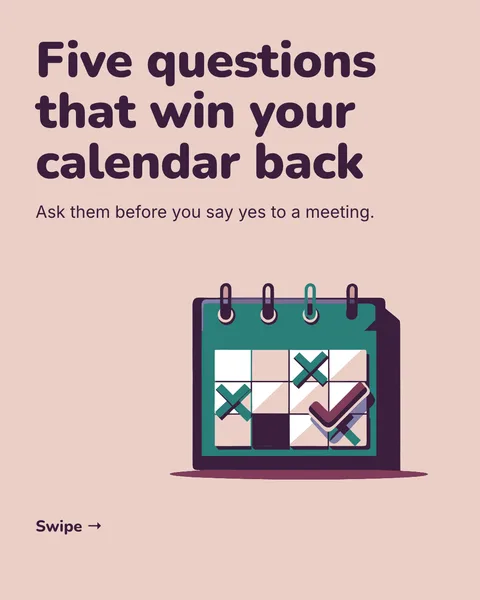
In short
Instagram does not take a PDF. It takes pictures, one per slide. Export your carousel as images and you get one PNG per slide, zipped, in the same portrait size as a LinkedIn slide, 1080 by 1350 pixels.
From export to posted
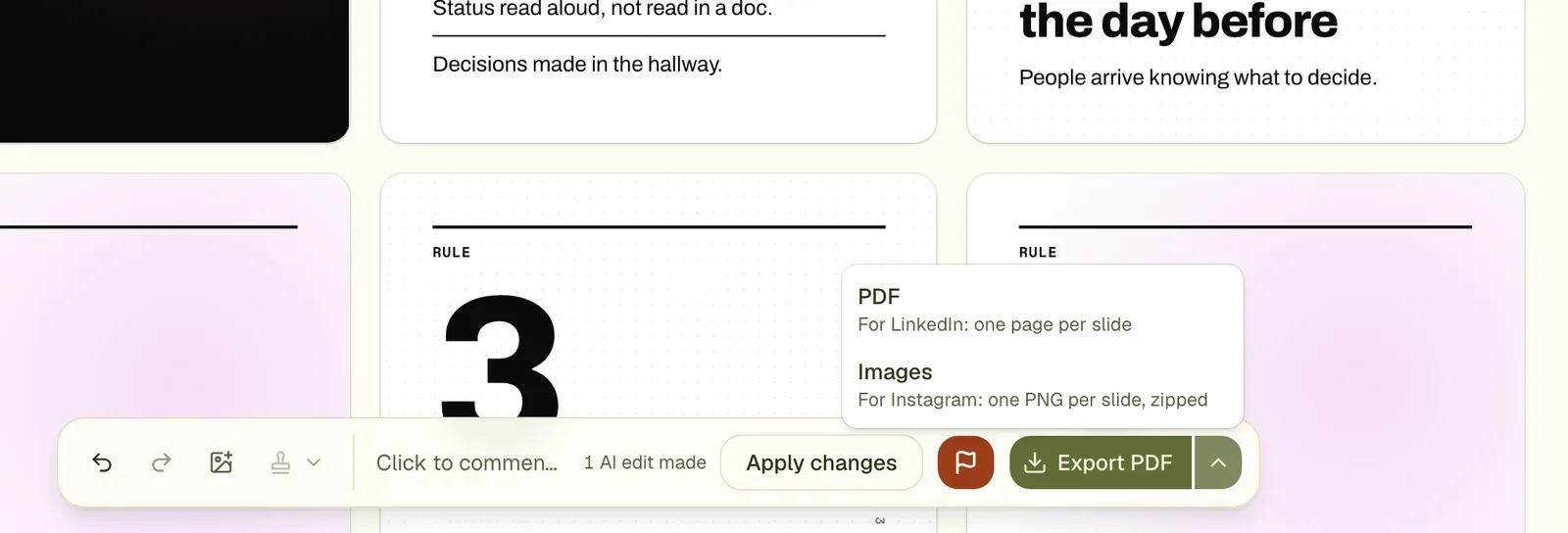
- Press Export and choose Images.
- Unzip the file. The images are numbered in order.
- Send them to your phone with AirDrop, a cloud folder or a cable.
- On Instagram, start a post, tap the stack icon to select several, and choose the slides in order.
- Write the caption and share.
A single image post
A post made with the Post format is one image, so the export is a single PNG and not a ZIP. See the post generator guide.
Check before you export
- Instagram shows a portrait post at 4:5 in the grid and the feed; 1080 by 1350 is exactly that ratio.
- The first slide sets the shape for the whole carousel, so keep every slide the same size. They are.
- The free plan puts a small carouselgen.com mark on exported images.
- Vendor guides report a limit of 20 slides per carousel. Check the app if you plan a long one.
More on sizes in the Instagram carousel size guide.
Questions
Can I get a transparent PNG?
No. Slides have their own backgrounds, and the PNG is the whole slide.
Can I export only some slides?
Export gives all slides. Delete a slide first if you do not want it, or leave out the images you do not need when you pick them on Instagram.
Is the same carousel good for LinkedIn and Instagram?
The size is the same. The two networks read differently: LinkedIn readers like a text-led document, Instagram readers a picture-led post. Edit the words for each.
Try it on your own carousel
Make a carousel from a short brief, then use this feature on it. It takes about a minute to get the first draft.
Try for free nowNo sign-up needed to try. The free plan exports with a small carouselgen.com mark.