In short
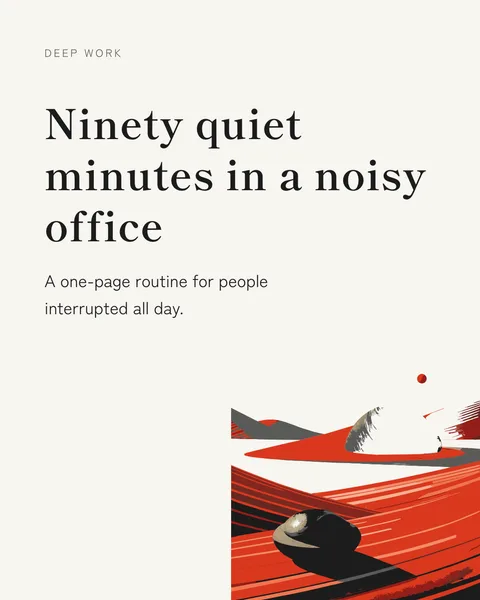
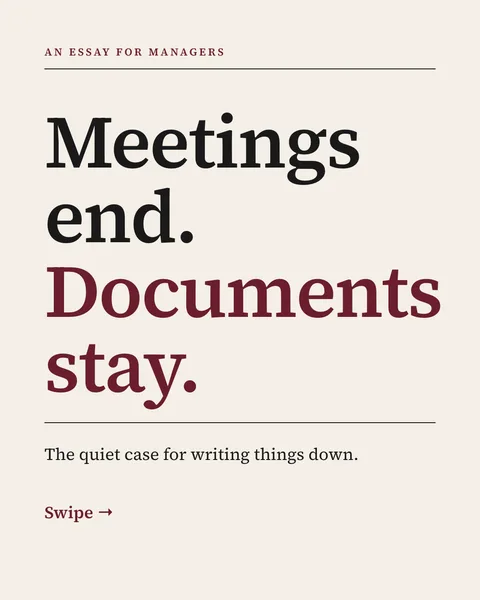
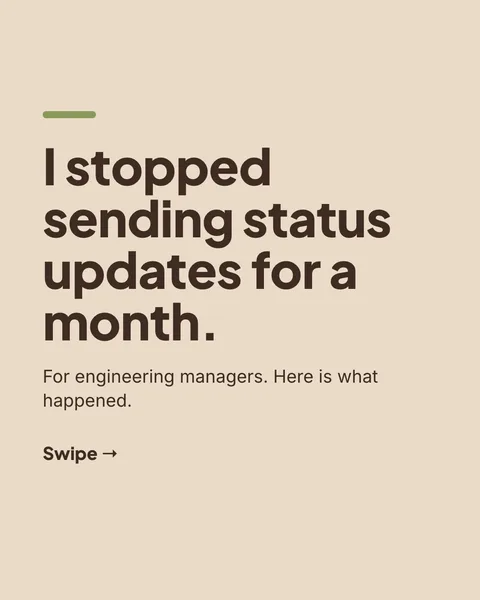
Most LinkedIn post generators write the caption. The post people stop for is often the image: a checklist, a quote, a small framework. carouselgen's Post format makes that image. You describe the idea and it designs one slide with the words already on it.
What a single-image post is good for
- A rule or a number you want people to remember.
- A checklist that fits on one screen.
- A quote from a talk or a customer, with context.
- A before and after, or a two-column comparison.
- An announcement with one clear line.
If the idea needs more than one screen to make sense, it is a carousel and not a post.
How to get a post you would publish
- Give the generator the actual content. Facts, numbers and examples in your prompt end up on the image. It does not invent them.
- Say who the post is for. "Hiring managers at small companies" produces a different image from "everyone".
- Ask for one idea. If you list four, the image gets crowded.
- Comment on what is off, such as "make the headline shorter", then apply. Only that part changes.
- Export the image and post it with a short caption of your own.
What to write in the caption
Do not repeat the image. Add the context the image leaves out, such as when you learned this, and end with a question or an invitation. Two or three lines is enough.
Questions
Does the generator write the LinkedIn caption?
It designs the image with the text on it. Write the caption yourself, so it sounds like you and adds what the image leaves out.
What size is the post image?
1080 x 1350 pixels, the same portrait size as a carousel slide.
Make this post now
Describe the idea. You get one designed image with your words on it, ready to post.
Try for free nowNo sign-up needed to try. The free plan exports with a small carouselgen.com mark.