
In short
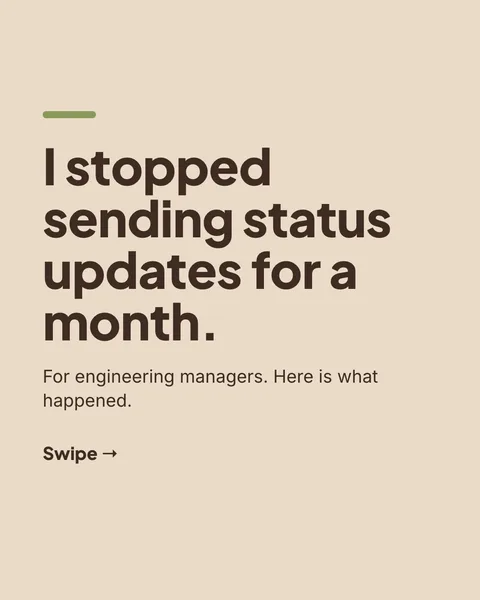
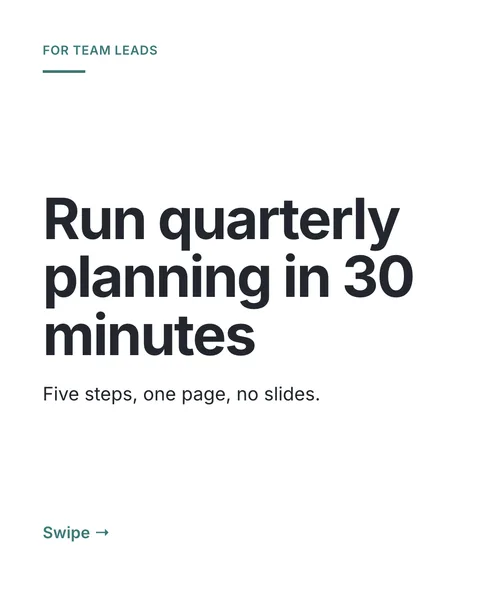
An Instagram carousel is a post with several images that people swipe through. Vendor guides report that the limit was raised from 10 to 20 slides in 2024, so check the app if you plan a long one.
The size
Use 1080 x 1350 pixels (4:5). It takes the most room in the feed. Square (1080 x 1080) works too. Instagram uses the shape of your first slide for the whole post, so keep every slide the same shape. Use JPEG or PNG.
Instagram and LinkedIn use the same slide
A 1080 x 1350 slide fits both. LinkedIn takes a single PDF, and Instagram takes separate images, so you export the same design twice.
Making one
- Write one idea per slide, with a cover that earns the swipe.
- Design at 1080 x 1350, or let a generator do it.
- Export as images, one per slide.
- In Instagram, tap the plus, choose Post, select the images in order and post.
In carouselgen you describe the topic and the designer builds the deck. You then choose export as images instead of PDF. A carousel exports as a zip of PNG files, and a single post as one PNG.
Design notes for Instagram
- Make the cover work as a standalone image, because it is what shows in the grid.
- Use fewer words per slide than you would on LinkedIn.
- End with one action, such as save or send to a friend.
Questions
How many slides can an Instagram carousel have?
Vendor guides state 20 since 2024. Instagram changes this, so check the app.
What size is an Instagram carousel?
1080 x 1350 pixels for portrait 4:5. Square 1080 x 1080 also works.
Can I use a LinkedIn carousel on Instagram?
Yes, if it was designed at 1080 x 1350. Export the slides as images, not as a PDF.
Make this carousel now
Describe it once. The designer lays out every slide, and you fix what you dislike by commenting.
Try for free nowNo sign-up needed to try. The free plan exports with a small carouselgen.com mark.