
In short
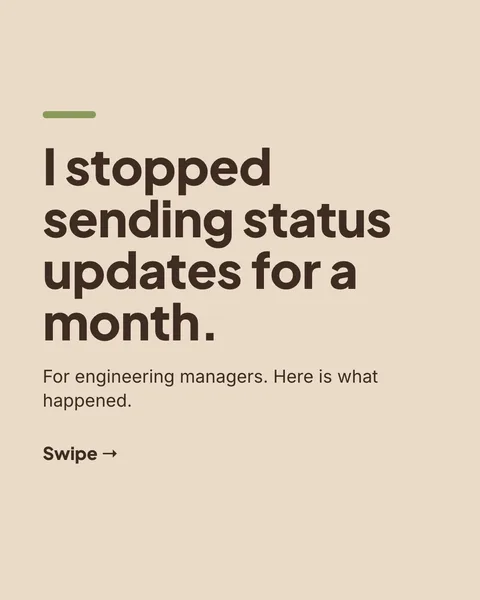
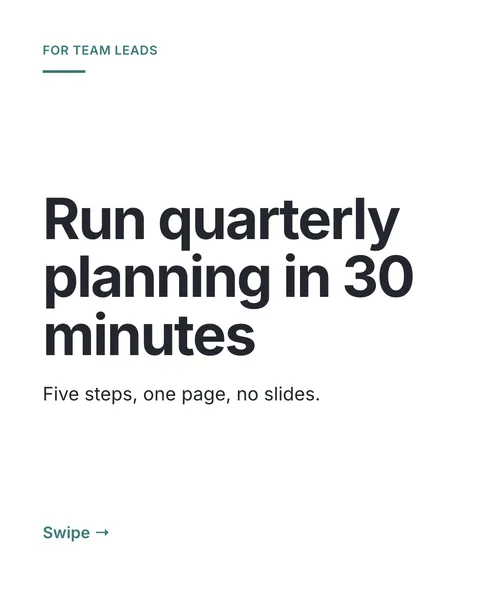
A long video or podcast holds more ideas than one carousel needs, which is good news: one episode can become several carousels. carouselgen works from text, so the first step is a transcript.
Steps
Get the transcript
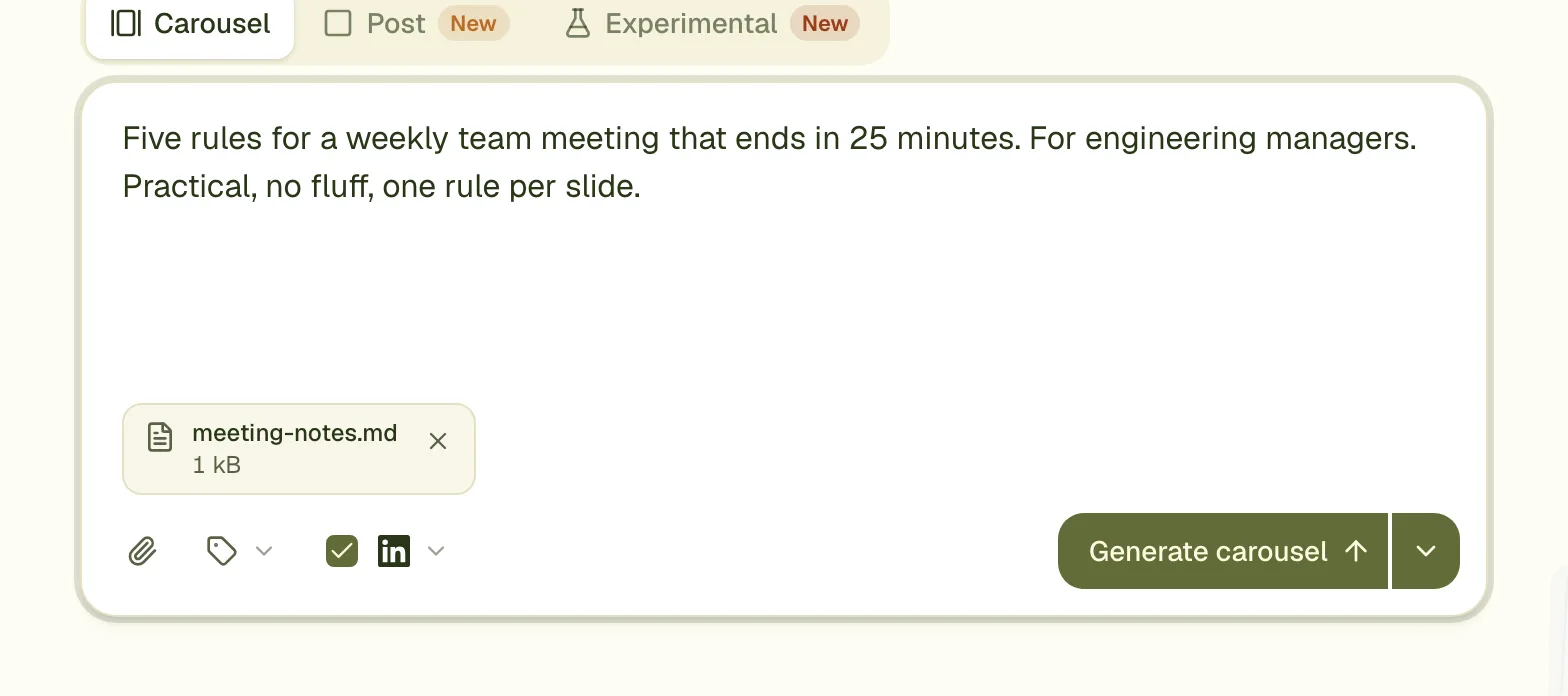
Many video and podcast platforms offer one, and many recording and editing tools make one. Save it as a .txt or .docx file. A text file may be up to 1 MB.
Attach it and name the part
"Only the part about hiring" keeps the carousel to one idea. A whole hour in one carousel reads like a table of contents.
Add a photo of the speaker
If you may use one, attach it as an image and ask for it beside a quote.
Check the quotes
Quotes should match the transcript word for word. Fix any that drifted by retyping them on the slide.
One episode, several carousels
- One carousel per lesson or question in the episode.
- Make the first one, then use it as a template so the series looks the same.
- Link the full episode in the post text, not on the slides.
Limits
- Up to 10 files per carousel, 20 MB together.
- All text and Word files together may hold about 200,000 characters. By our rough estimate that is around three hours of talk, so most transcripts fit whole.
Questions
Can I upload the MP4 or MP3?
No. carouselgen takes PDF, images, text, Markdown, CSV and Word files. Turn the recording into a transcript first.
Does it work for a webinar?
Yes, the same way. If the webinar had slides, attach them as a PDF too, so the designer sees the charts.
My auto-generated transcript has mistakes. Is that a problem?
The designer works with what it reads. Fix names and numbers in the transcript first, or on the slides afterwards.
Make this carousel now
Describe it once. The designer lays out every slide, and you fix what you dislike by commenting.
Try for free nowNo sign-up needed to try. The free plan exports with a small carouselgen.com mark.