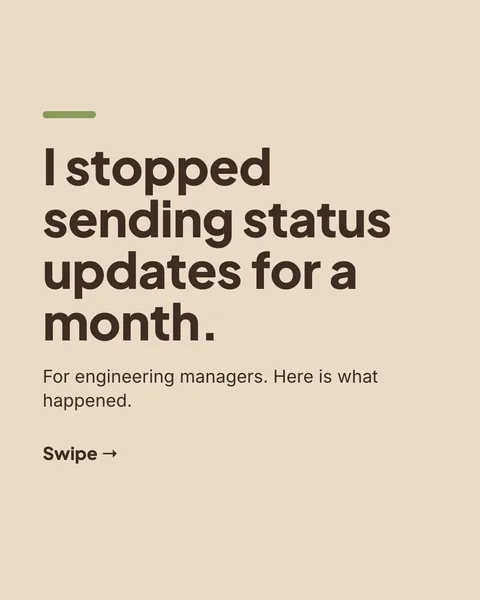
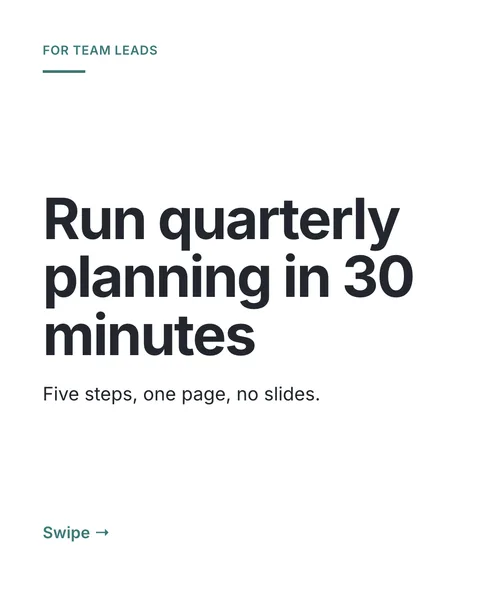

In short
Most carousel tools start from a template and fill in your words. carouselgen works the other way round. You make a carousel you like, and it becomes the template for the next ones: same look, new words.
How to use a template
Open the Template menu
It is in the prompt box toolbar and lists your finished carousels.
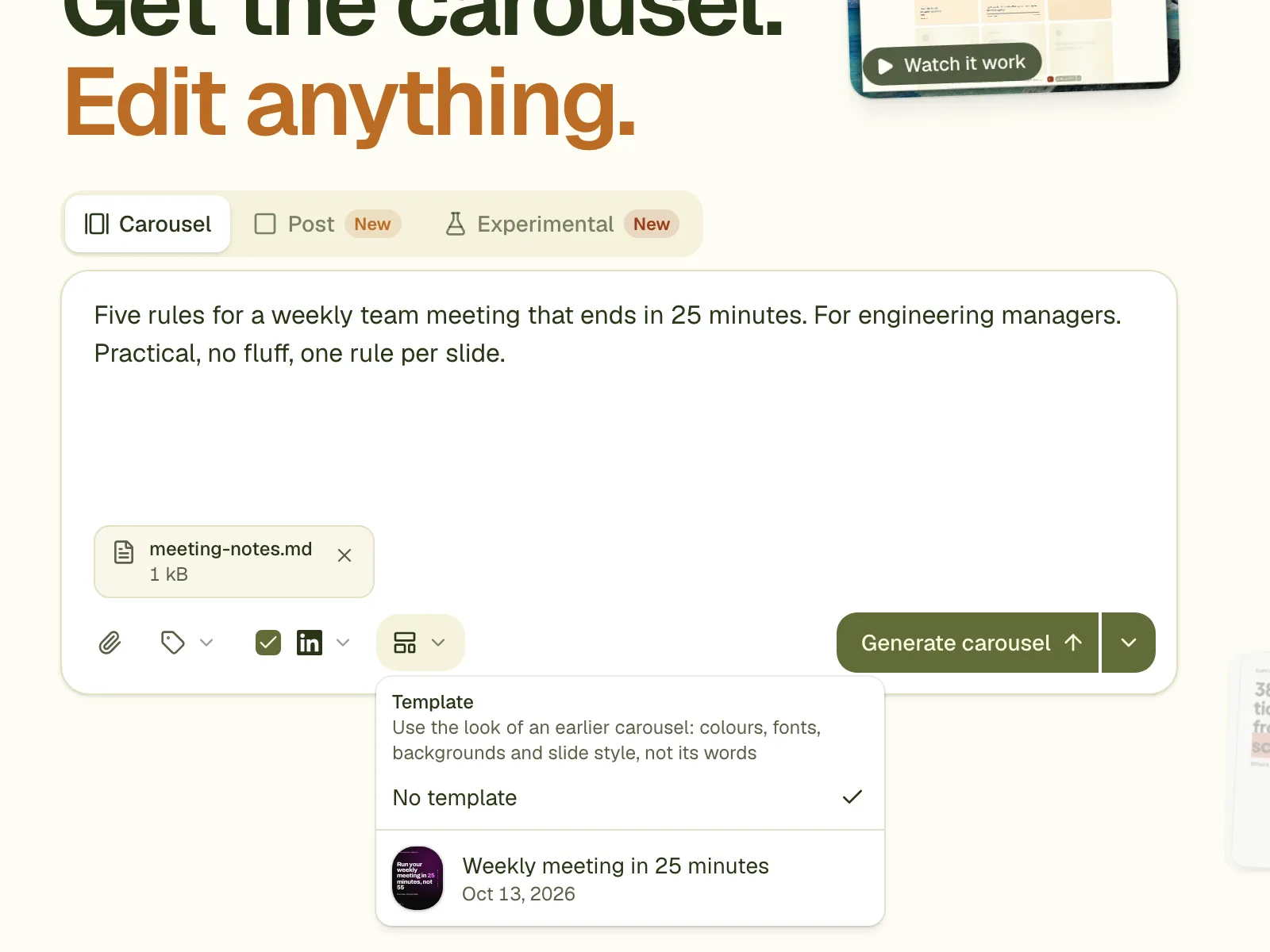
Pick one
It appears in the prompt box as a small stack of its first slides, with a remove button.
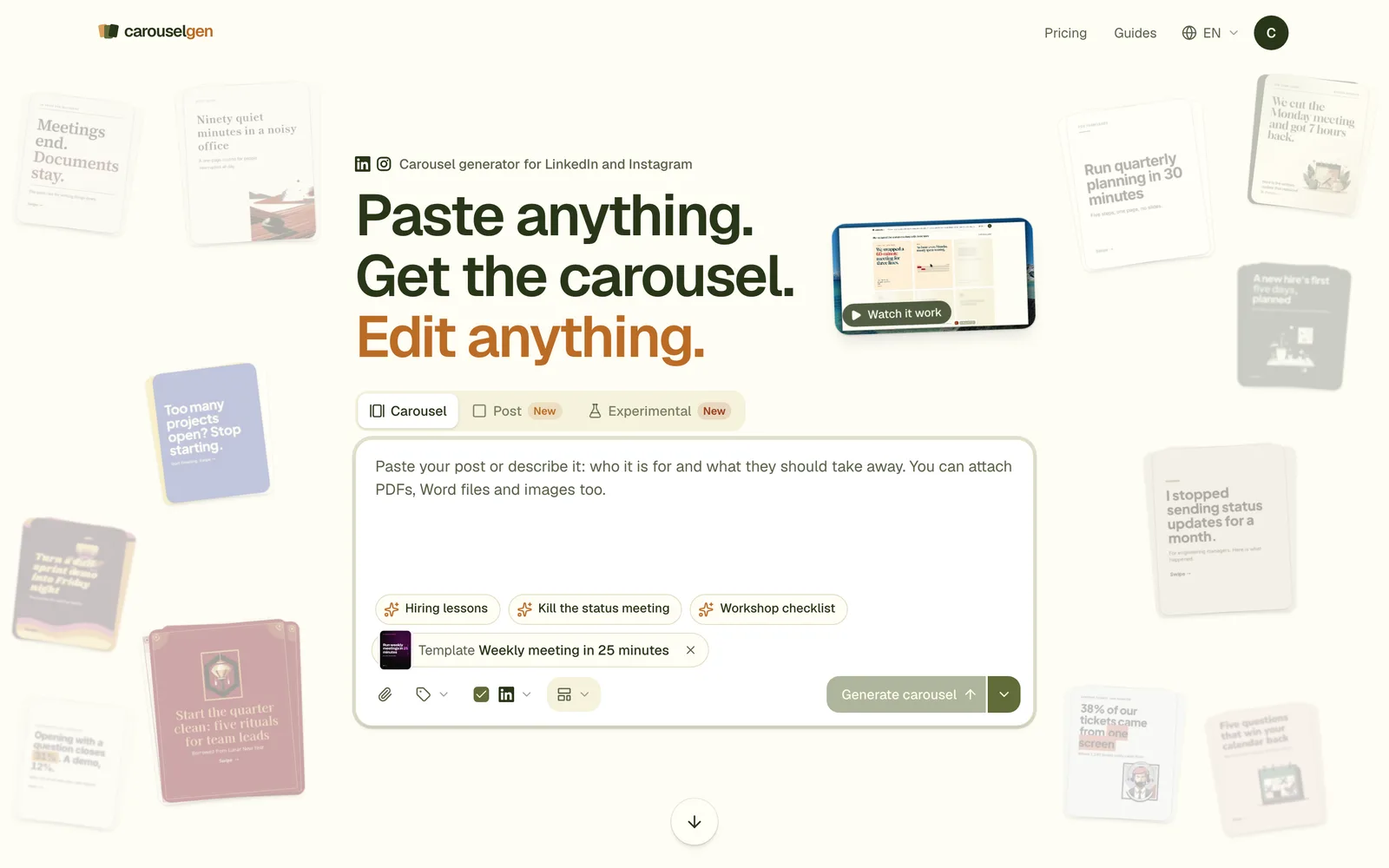
Write the new brief and generate
The new carousel follows the old one's design and says something new.
What is copied, and what is not
- Copied: the fonts, the colours, the shared style, and how each slide is set: backgrounds, shapes, textures, numbered circles, cards, layouts.
- Not copied: any words. The designer sees the text of each template slide with every letter and digit replaced by an x, so it knows how long the text was and how it was set, and never what it said. Picture descriptions, links and comments are removed too.
- The designer may use the kinds of slide in the template in any order and any number.
A test with a carousel on a paper texture, hand-drawn numbered circles and coral and teal cards produced a hiring carousel and a status-update post that both kept the texture, the numbered circles and the card styles, with all new words.
Which carousels can be templates
- Any finished carousel in your account.
- A carousel in a brand you can use, including a brand someone shared with you.
- Any finished carousel whose owner has turned its share link on, also for a signed-out visitor. Only its look leaves the carousel. Look for "Use this as a template" on its page.
A template or a brand?
A template is one carousel's look. A brand is an identity with a logo, colours, fonts and a voice, and it can have a default look: one carousel set as the template for every new carousel made with that brand.
Questions
Does it work for posts as well as carousels?
Yes. A template can start a single image post or a carousel.
Does using a template cost anything extra?
No. It counts as one carousel against your plan, like any other. It adds some text to the brief that the model reads.
How do I set a brand's default look?
Open the ⋯ menu on a finished carousel that is filed in the brand and tick it as the brand's default look. After that, choosing the brand alone is enough: new carousels follow that look.
Try it on your own carousel
Make a carousel from a short brief, then use this feature on it. It takes about a minute to get the first draft.
Try for free nowNo sign-up needed to try. The free plan exports with a small carouselgen.com mark.