In short
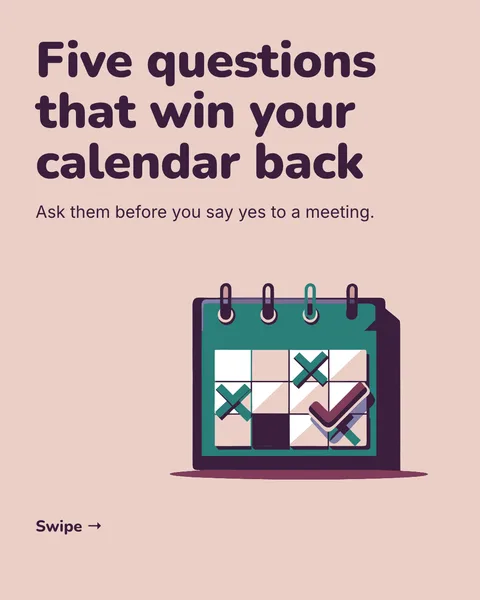
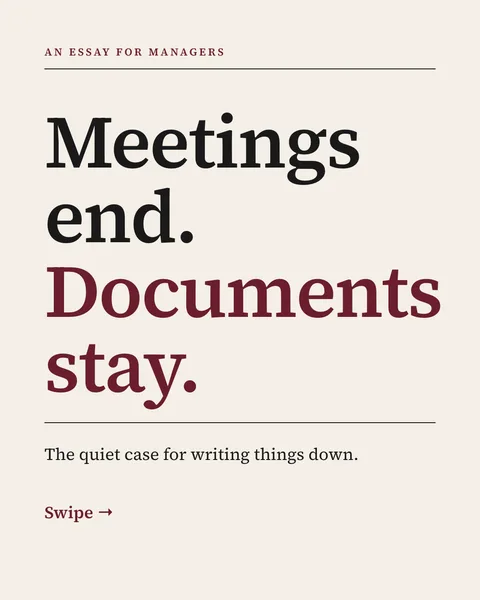
LinkedIn shows a document as a carousel, so an existing deck can become one. The catch is that decks built for a screen are landscape and carry too much text. Here is what to change.
1. Change the page size
- PowerPoint: Design, Slide Size, Custom Slide Size, then enter a 4:5 portrait size, for example 8 by 10 inches.
- Google Slides: File, Page setup, Custom, with the same 4:5 ratio.
Do this before you rework the slides. Changing the size afterwards squashes what you placed.
2. Cut to one idea per slide
A slide that a speaker explains needs a rewrite to explain itself. Keep the headline, keep one supporting line, and move the rest into the caption or delete it. Raise the text size until it reads on a phone.
3. Write a cover and a last slide
Presentations start with a title and end with questions. A carousel starts with a reason to swipe and ends with one action.
4. Export as a PDF
- PowerPoint: File, Export, Create PDF/XPS.
- Google Slides: File, Download, PDF document.
LinkedIn accepts PPTX directly, but its help page recommends converting to PDF for the best quality. Animations will not play.
5. Upload as a document
Start a post, click the plus icon, choose Add a document, upload the PDF and add a title.
The shortcut
Instead of reshaping the old deck, paste its text into carouselgen with a line about who the carousel is for. You can attach the PDF of the deck, and the designer reads it and builds a portrait version. Then comment on whatever is off.
Questions
Can I upload a PowerPoint directly to LinkedIn?
Yes, LinkedIn accepts PPTX, but it recommends PDF for the best quality.
Why does my deck look small on LinkedIn?
Landscape slides use only part of a phone screen. A portrait 4:5 page fills more of it.
Make it as a carousel now
Paste your points or attach your deck. You get portrait slides and a PDF that fits a phone screen.
Try for free nowNo sign-up needed to try. The free plan exports with a small carouselgen.com mark.