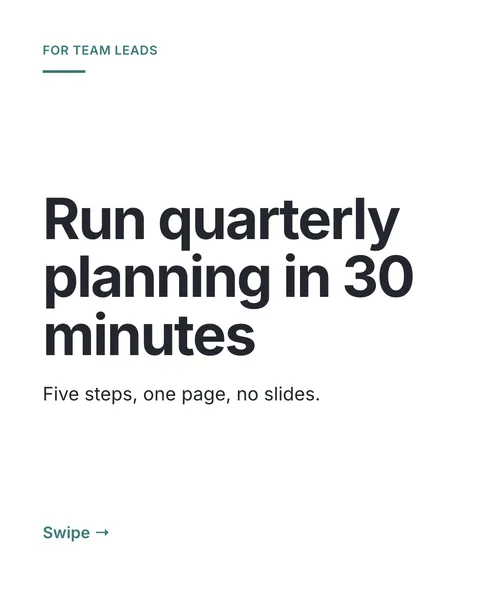

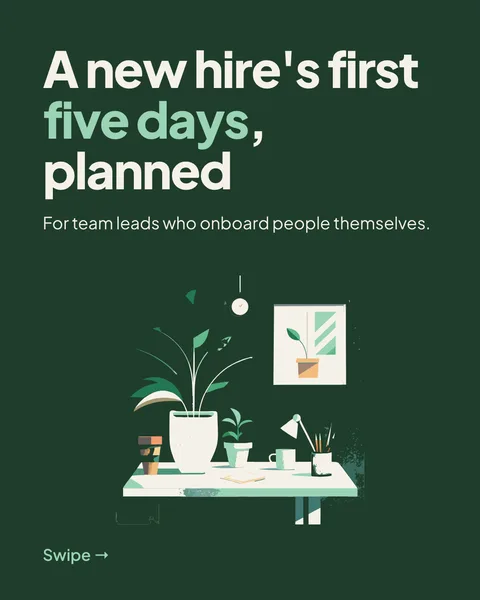
In short
Most people who post carousels are not designers. The design choices that matter fit on one page, and a tool can make the rest. Your part is the content: who it is for, what they should take away, and what you know that they do not.
What you decide
- Who the carousel is for, in one phrase.
- The one thing they should take away.
- Three to six points that get them there.
- Your facts and numbers. Nobody else has them.
What you can leave to the tool
- Fonts, colours and layout. carouselgen picks a look for your topic, or uses your brand if you set one up.
- Sizes that read on a phone. Its design rules ask for body text of at least 30 px and headlines of at least 64 px on a 1080 px wide slide.
- Splitting your points into slides and writing the cover.
Steps
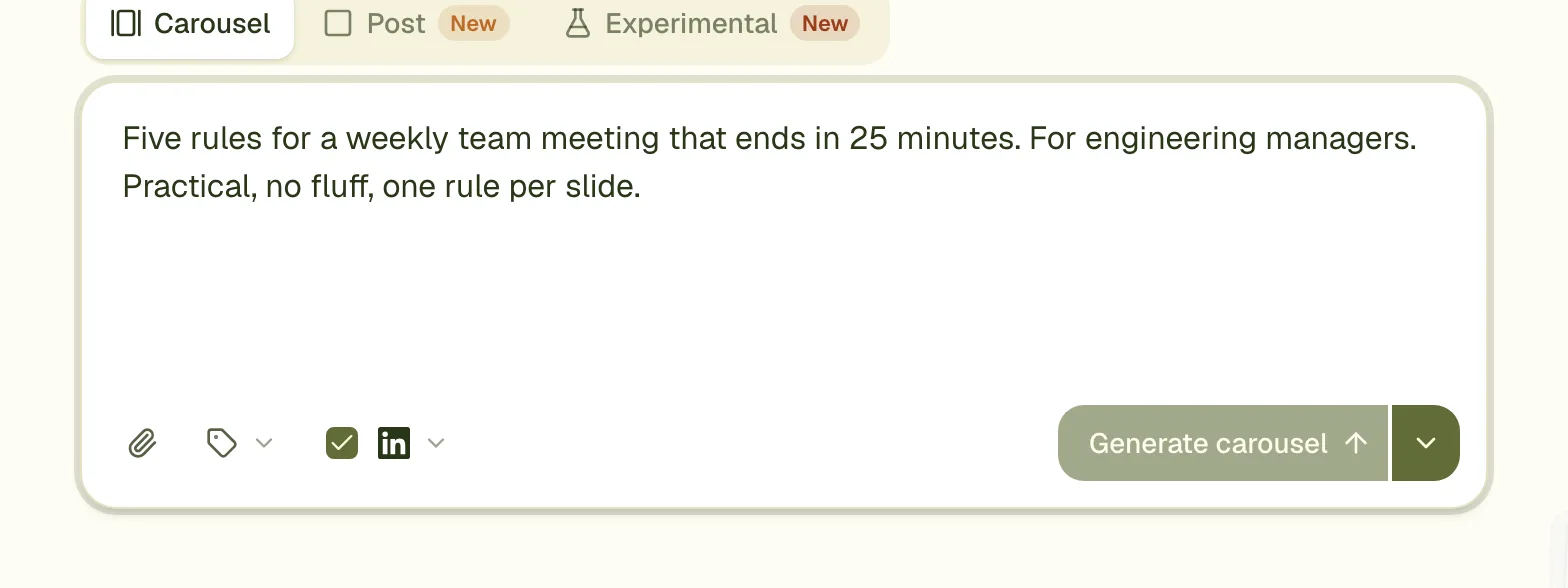
Write the brief
Two or three sentences covering the four things above.
Generate
The slides appear one by one, in about a minute.
Fix what is off
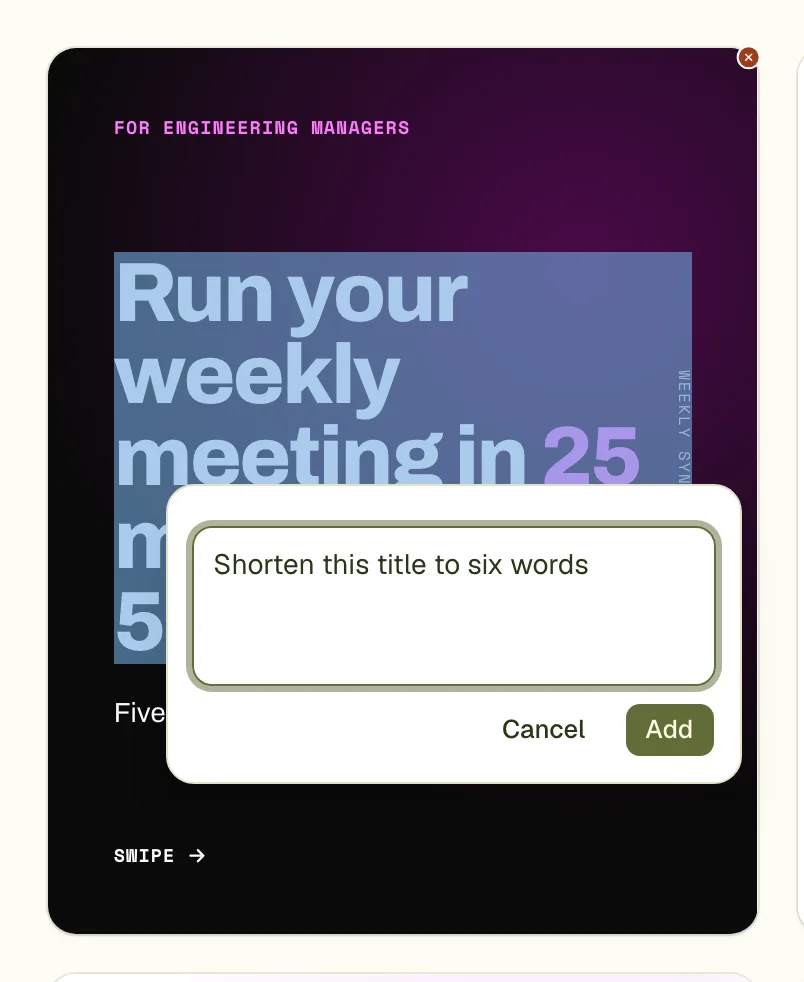
Click any part of a slide and write what to change, or right-click to retype it yourself.
Export and post
Download the PDF and upload it to LinkedIn as a document. See posting a carousel.
Design rules worth knowing anyway
- One idea per slide.
- Large text and few words. If you cannot read a slide on your phone at arm's length, it holds too much.
- Keep one look across all slides; the tool does this for you.
Questions
Do I need an account?
No. You can make a carousel and export it without signing in. Free exports carry the carouselgen.com mark.
Can I choose the colours myself?
Yes. Name them in the brief, or set up a brand with your colours and fonts.
I already use Canva. Should I switch?
Not necessarily. Canva gives you full control and takes longer; carouselgen designs the whole carousel from a brief. The comparison page goes through the differences.
Make this carousel now
Describe it once. The designer lays out every slide, and you fix what you dislike by commenting.
Try for free nowNo sign-up needed to try. The free plan exports with a small carouselgen.com mark.