In short
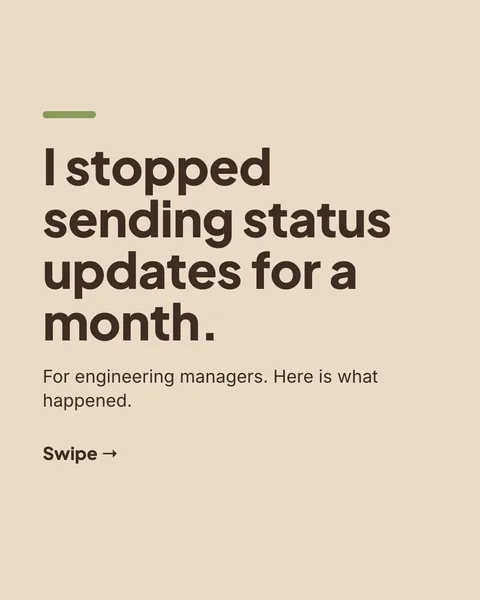
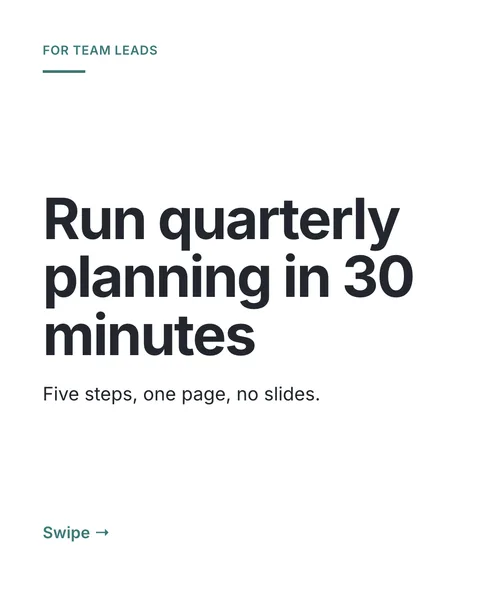
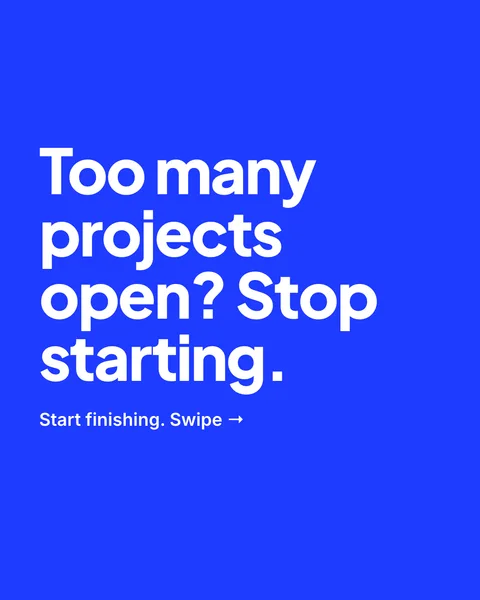
Most carousel tools ask for an email before they show you anything. carouselgen does not. Type a brief or pick an example, and the slides appear in about a minute.
What you can do without an account
- Generate a carousel or a post from a brief, with files attached if you like.
- Edit it: one round of AI edits per carousel, and as many hand edits as you want.
- Undo and redo.
- Export it as a PDF or as images, with a small carouselgen.com mark.
The carousel is tied to your browser by a cookie. Opening the same carousel from another browser or device needs an account.
What needs an account
- Keeping your carousels in one place on any device. Signing in moves the carousels from your browser into your account.
- Brands, with a logo, colours and fonts that you keep.
- The Experimental size format.
- A paid plan: no mark, more edit rounds, drawn illustrations, share link, translations, and Claude.
How signing in works
Sign in with Google, or type your email and a code you receive. There is no password. A signed-in free account gets one carousel a week.
What stops abuse
Without an account, the number of carousels you can start in a day is limited per connection. That keeps the free tier from being used to run up costs. If you hit it, sign in or come back tomorrow.
Questions
Is it really free?
Generating, one round of edits and exporting with the mark cost nothing. The price list is on the pricing page.
Will I lose my carousel if I clear my cookies?
A carousel you made without signing in is tied to the browser. Clearing cookies can lose access to it. Sign in to keep it.
Do you get my email if I use the free generator?
Not unless you sign in. If you sign in, you can choose whether to receive tips and offers.
Try it on your own carousel
Make a carousel from a short brief, then use this feature on it. It takes about a minute to get the first draft.
Try for free nowNo sign-up needed to try. The free plan exports with a small carouselgen.com mark.