In short
LinkedIn lets you post text, images, video, polls, documents and articles. Which to use depends on what you are saying.
| Format | Good for | Watch out for |
|---|---|---|
| Text | A short opinion, a story, a question | The first two lines are all most people see |
| Image | One rule, one number, one checklist | Small text that cannot be read on a phone |
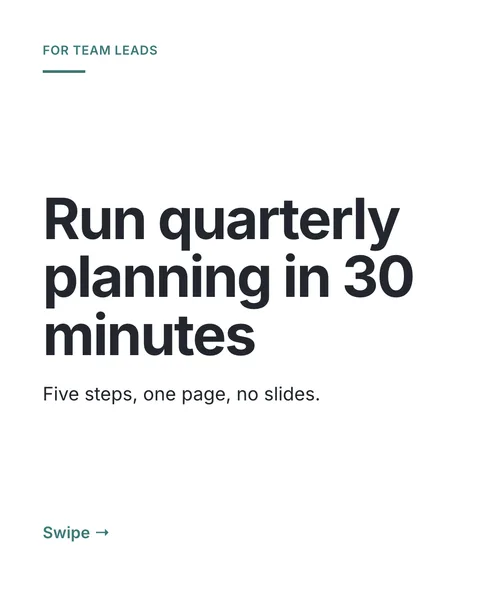
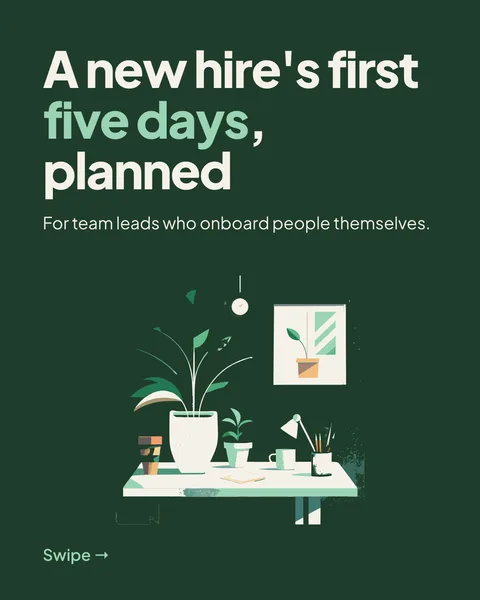
| Document (carousel) | Steps, lists, frameworks, comparisons | A weak cover, which people skip |
| Video | Showing a process or a person | Add captions, so it works without sound |
| Poll | Asking your audience a short question | Leading questions that tell you nothing |
| Article | A long piece you want to keep | It needs a strong headline, because that is what shows in the feed |
What the data says about documents
Socialinsider's 2026 benchmarks, covering 1.3 million posts from company pages between January 2024 and December 2025, found native documents had the highest engagement rate at 7.00%, against 4.50% for text. This is company pages, not personal profiles, so read it as a direction.
A simple rule
One idea that fits on a screen is an image post. A sequence that needs several screens is a carousel. An opinion that needs no picture is text.
Questions
What is the best LinkedIn post format?
In Socialinsider's 2026 data for company pages, documents had the highest engagement rate. The right format still depends on your message.
Make this post now
Describe the idea. You get one designed image with your words on it, ready to post.
Try for free nowNo sign-up needed to try. The free plan exports with a small carouselgen.com mark.