In short
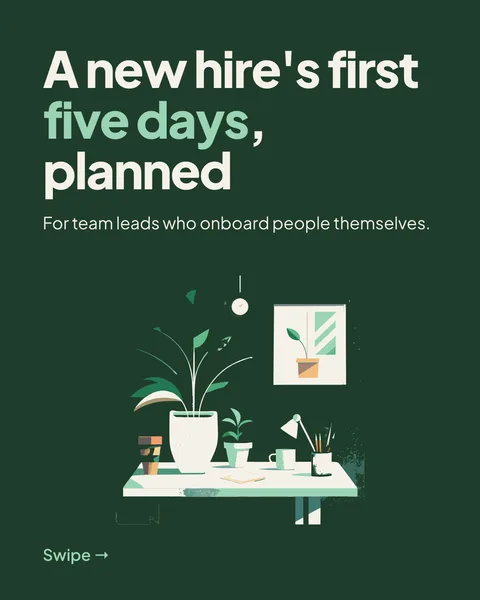
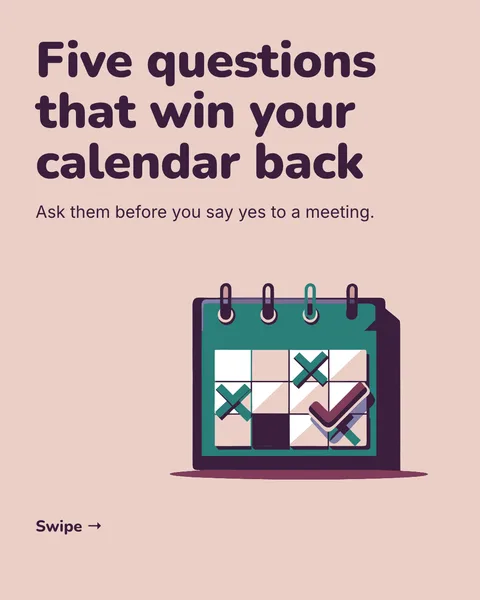
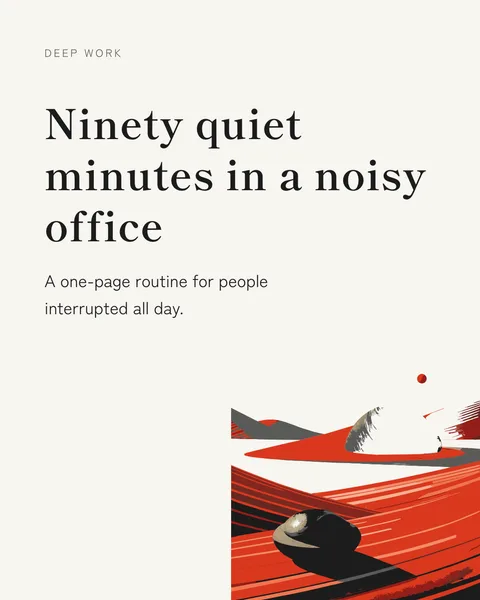
A save is a quiet vote: "I will need this later." The formats below earn saves because they are useful on a second reading. Each can be a single image or, if it has more steps, a carousel.
1. The checklist
Five to seven items someone can tick off. Name the situation in the headline.
2. The template
An email, an agenda or a prompt that readers can copy and fill in.
3. The framework on one page
A small diagram or three boxes that explain how you decide something.
4. The comparison table
Two options, three or four criteria. Say when you would pick each.
5. Myth versus fact
One belief that costs people money or time, and the correction.
6. The number with context
One figure from your own data or a named source, plus what it means. Without a source, leave the number out.
7. The before and after
A real example of a sentence, a slide or a process, improved.
8. The annotated screenshot
A screenshot with three arrows explaining what to notice.
9. The rule of thumb
A single sentence you have learned the hard way, with the story in the caption.
10. The reading list or tool list
Five items with one line each on why. Be honest about what you do not use.
Pick one and make it
Paste the format and your content into the post generator, or turn the longer ones into a carousel using the carousel structures.
Questions
What kind of LinkedIn post gets saved?
Posts that stay useful: checklists, templates, frameworks and comparisons. A post that is only an opinion gives people less reason to return to it.
Make this post now
Describe the idea. You get one designed image with your words on it, ready to post.
Try for free nowNo sign-up needed to try. The free plan exports with a small carouselgen.com mark.