In short
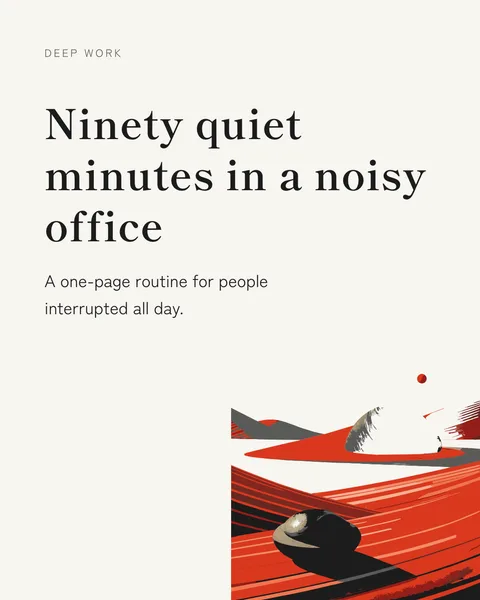
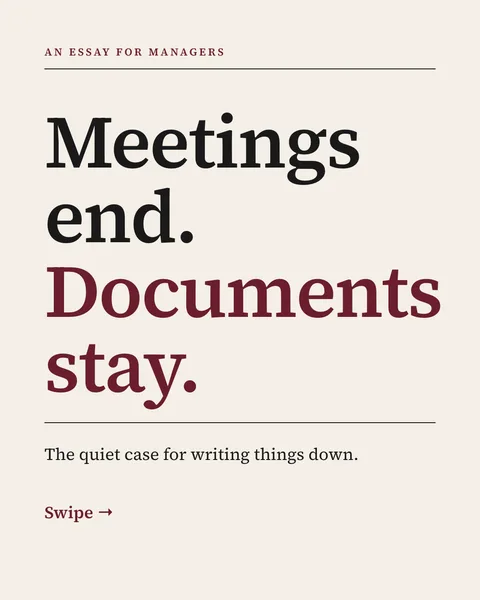
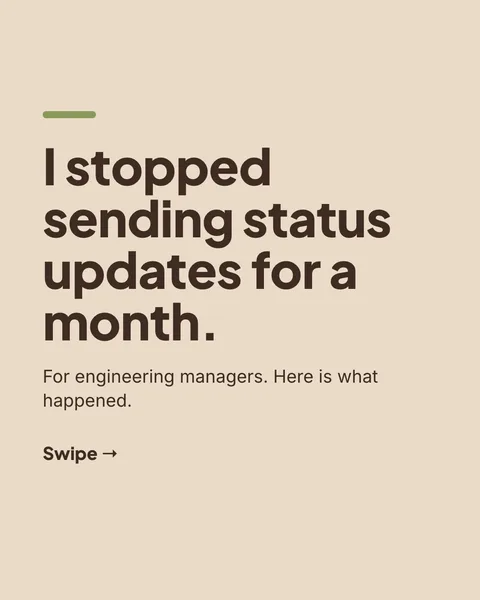
Use 1080 x 1350 pixels (portrait, 4:5), export as a PDF, and keep every page the same size. That is the short answer. The rest of this page covers the other ratios and the limits LinkedIn sets.
Sizes that work
| Ratio | Pixels | When to use it |
|---|---|---|
| 4:5 portrait | 1080 x 1350 | Our default. Takes the most room on a phone screen. |
| 1:1 square | 1080 x 1080 | Safe everywhere, also fine for Instagram. |
| 16:9 landscape | 1920 x 1080 | Slide decks you already have. Looks small on a phone. |
File limits
LinkedIn's help page lists PDF, PPT, PPTX, DOC and DOCX as supported, with a maximum of 100 MB and 300 pages. It recommends converting to PDF. Animations and video inside the file are shown as static images.
A heavy PDF loads slowly on mobile data, and slow loading loses swipes. Many designers aim well under the limit. If your file is large, check for full-bleed photos saved at a much higher resolution than the page needs.
Safe margins and text size
- Keep at least 72 px of margin on every side. Phones and the LinkedIn interface crop and overlay edges.
- Make body text at least 30 px on a 1080 px wide page, and headlines much larger. If you need to pinch to read it, it is too small.
- Put the cover's key words in the upper two thirds, where the feed preview shows them.
How to upload the document
- Click Start a post.
- Click the plus icon, then Add a document.
- Choose your PDF and write a title.
- Write a caption and post.
Getting the size right without thinking about it
carouselgen designs every slide at 1080 x 1350 and exports a PDF. You do not set a canvas or check margins, because the designer works inside that box. How to make a LinkedIn carousel walks through the whole process.
Questions
What is the best size for a LinkedIn carousel?
1080 x 1350 pixels, portrait 4:5, exported as a PDF. Square 1080 x 1080 also works.
What is the maximum size of a LinkedIn carousel PDF?
LinkedIn's help page states 100 MB and 300 pages.
Can I use a PowerPoint file instead of a PDF?
LinkedIn accepts PPT and PPTX, but recommends converting to PDF so the layout and fonts stay exactly as you made them.
Make this carousel now
Describe it once. The designer lays out every slide, and you fix what you dislike by commenting.
Try for free nowNo sign-up needed to try. The free plan exports with a small carouselgen.com mark.