
In short
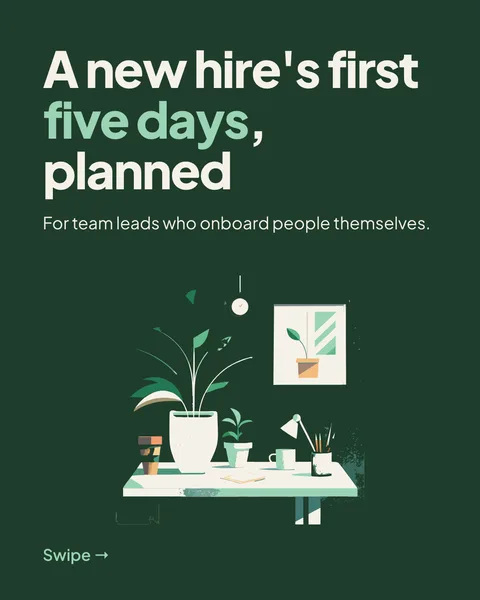
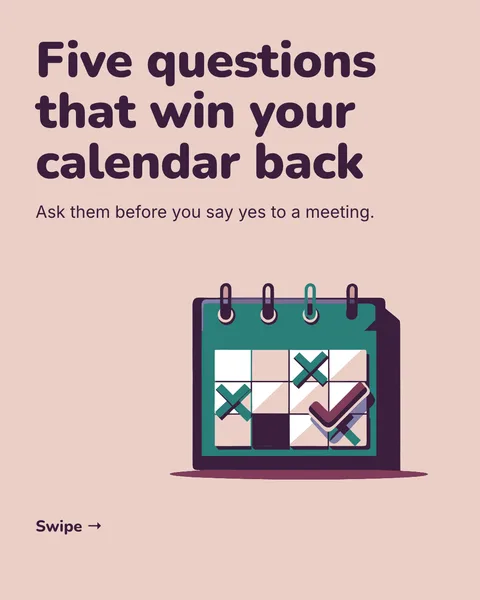
If you say nothing, the designer chooses a look for you: a palette of three to five colours and one to three Google Fonts, picked to suit your topic. If you do say something, it follows you. This guide covers how to say it.
Tell it in the brief
- Colours: give hex values or plain names. "Deep green #1f3d2b, cream #f6f1e3, one orange accent".
- Fonts: name them. "Headlines in Fraunces, text in Inter".
- A mood works too: "calm", "bold", "like a newspaper".
Or save them in a brand
If you use the same colours every time, put them in a brand: five colour roles (primary, secondary, accent, background, text) and two fonts. Every carousel made with the brand starts from them.
Change them afterwards
Write a note on the space around the slides: "headlines in Playfair Display, accent colour #bc6c25". It reaches every slide in one round. See changing every slide at once. The new look swaps in without reloading the slides.
Which fonts work
Any family in Google's catalogue, about 1,900 of them. Names are matched whatever the capitalisation, a weight the family lacks is snapped to the nearest one it has, and a family Google does not have is dropped, so the fallback font takes over. A carousel uses at most three families. Fonts you own, such as a licensed brand font, cannot be uploaded.
Rules that keep it readable
- Contrast: text at least 4.5:1 against its background.
- Size: body text 30 pixels or more, headlines 64 or more, labels 22 or more, margins 72 or more, on a 1080 by 1350 slide. The "readable on a phone" tip raises these to 36, 64 and 80.
- Avoid text over a busy picture without a solid panel behind it.
These are carouselgen's own minimums, based on how a slide looks on a phone, not LinkedIn rules. The brief can override them: if you ask for a dense table, small text is allowed.
Questions
Can I upload my own font?
No. Fonts come from Google Fonts. If your brand font is not there, name the closest Google Font.
Which colours do LinkedIn carousels need?
None in particular. Pick colours that contrast and suit the topic. A white or very light background with dark text and one accent is a safe start.
Why do my fonts look different in the PDF?
They should not. The PDF is made from the slides as the browser draws them, with the same Google Fonts. If it differs, report it with the red flag in the toolbar.
Try it on your own carousel
Make a carousel from a short brief, then use this feature on it. It takes about a minute to get the first draft.
Try for free nowNo sign-up needed to try. The free plan exports with a small carouselgen.com mark.