In short
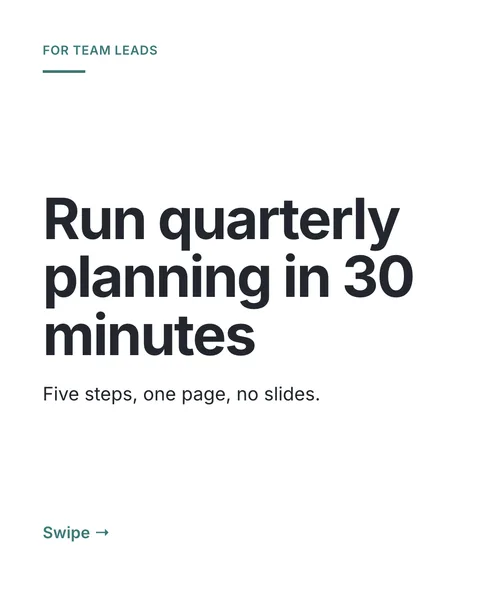
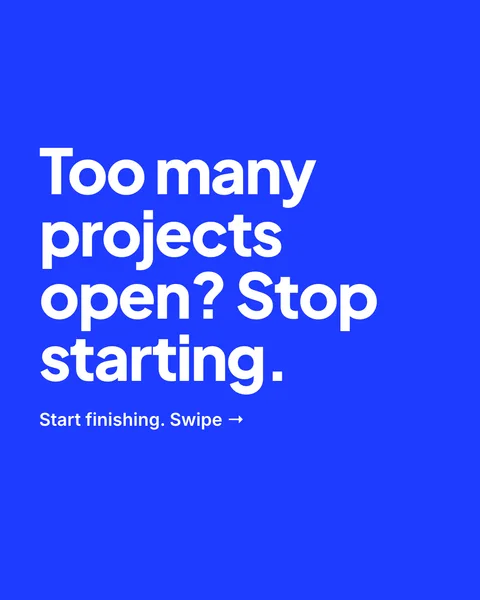
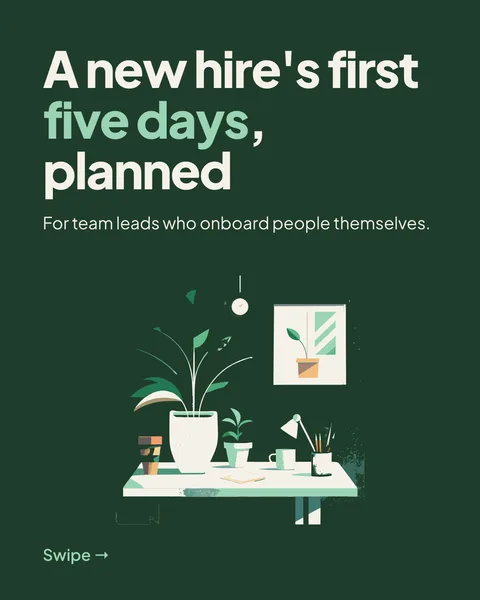
A carousel gets saved when it is useful on a second look. These twelve ideas all give people something to keep. Pick one, then write one point per slide.
- A how-to with one step per slide.
- A checklist people can screenshot.
- Myth versus fact, one belief per slide.
- A before and after of something real, such as a layout, a recipe or a caption.
- Five mistakes and the fix for each.
- A day in the life, one moment per slide.
- A glossary: six terms in your field, explained in a line.
- A comparison of two options, ending with when to pick which.
- A mini-guide to a place, a tool or a routine.
- A story in six beats: what happened, what changed, what you would do now.
- A template to copy: a caption, a script or a weekly plan.
- Frequently asked questions from your messages, one answer per slide.
For every idea
- Make the cover work alone, since it shows in the grid.
- Use fewer words than you would on LinkedIn.
- End with one action, such as save or send to a friend.
- Use the size Instagram shows best, 1080 x 1350.
Sizes and limits are on the Instagram carousel page. To make one, describe the idea to carouselgen and export the slides as images.
Questions
What should I post in an Instagram carousel?
Something people want to come back to: steps, a checklist, a comparison or a template. One point per slide, and a cover that stands alone.
Make this carousel now
Describe it once. The designer lays out every slide, and you fix what you dislike by commenting.
Try for free nowNo sign-up needed to try. The free plan exports with a small carouselgen.com mark.