In short
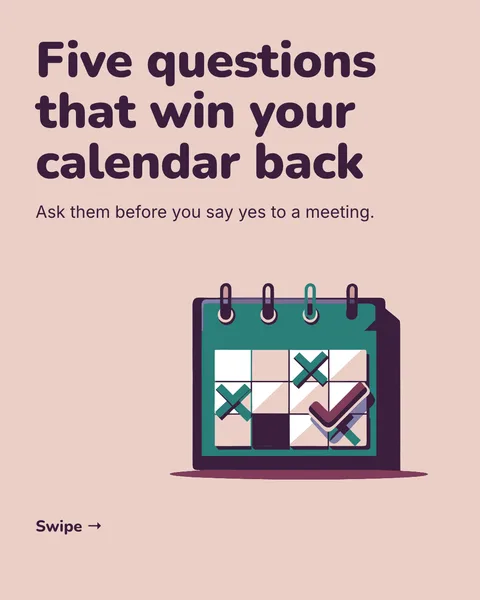
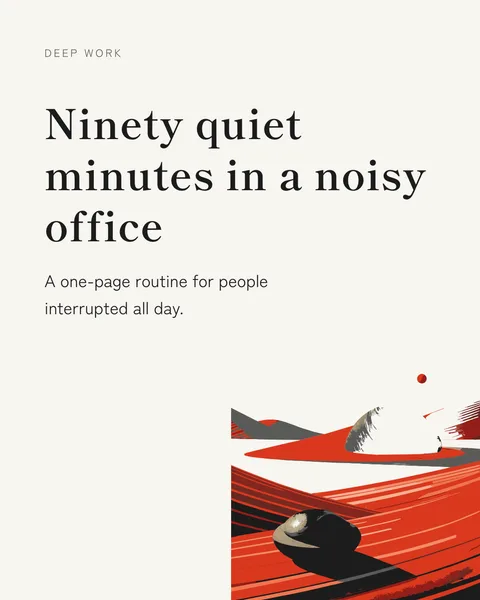
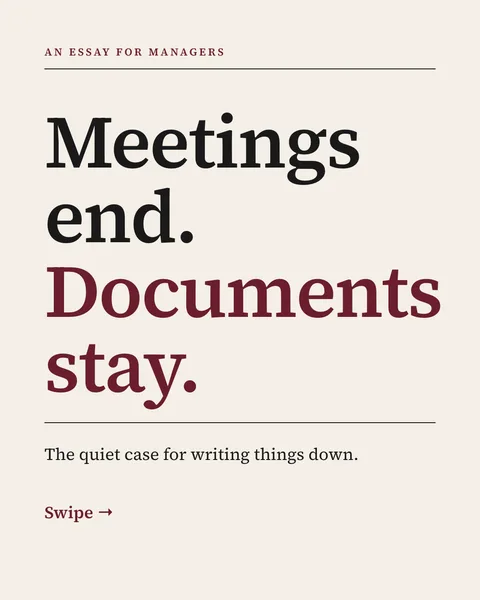
An Instagram carousel is one post with several slides. The easy part is posting it. The work is making slides that look like they belong together. There are three ways.
1. In the app
Select several photos when you create a post. This works for photo carousels, such as an event. You get no real control over text or layout.
2. In a design tool
Set the page to 1080 x 1350 pixels, design each slide with the same fonts and colours, and export the pages as images. This gives you full control and takes the longest. See Canva carousel templates.
3. With an AI generator
Describe the topic and who it is for. carouselgen designs the whole deck, you comment on anything you want changed, and you export the slides as images. A carousel exports as a zip of PNG files.
The slides, in order
- Cover: one idea, large, readable as a thumbnail.
- The problem or the promise.
- The points, one per slide.
- The result or takeaway.
- A last slide with one action, such as save or send to a friend.
Then post it
Upload the images in order and add a caption. Steps are on how to post on Instagram. Sizes are on the Instagram carousel size page.
Questions
What is the best way to make an Instagram carousel?
For photos, the app. For designed slides, a design tool if you want control, or an AI generator if you want a finished first draft fast.
Can I make an Instagram carousel for free?
Yes. Instagram, many design tools and carouselgen's free plan all let you make one at no cost, within their limits.
Make this carousel now
Describe it once. The designer lays out every slide, and you fix what you dislike by commenting.
Try for free nowNo sign-up needed to try. The free plan exports with a small carouselgen.com mark.