
In short
Carousels are 1080 by 1350. A banner, a square tile, a vertical story or a 16:9 slide need other shapes. The Experimental format makes one designed image in the size you type.
How to use it
- Sign in. The Experimental tab is shown to signed-in people.
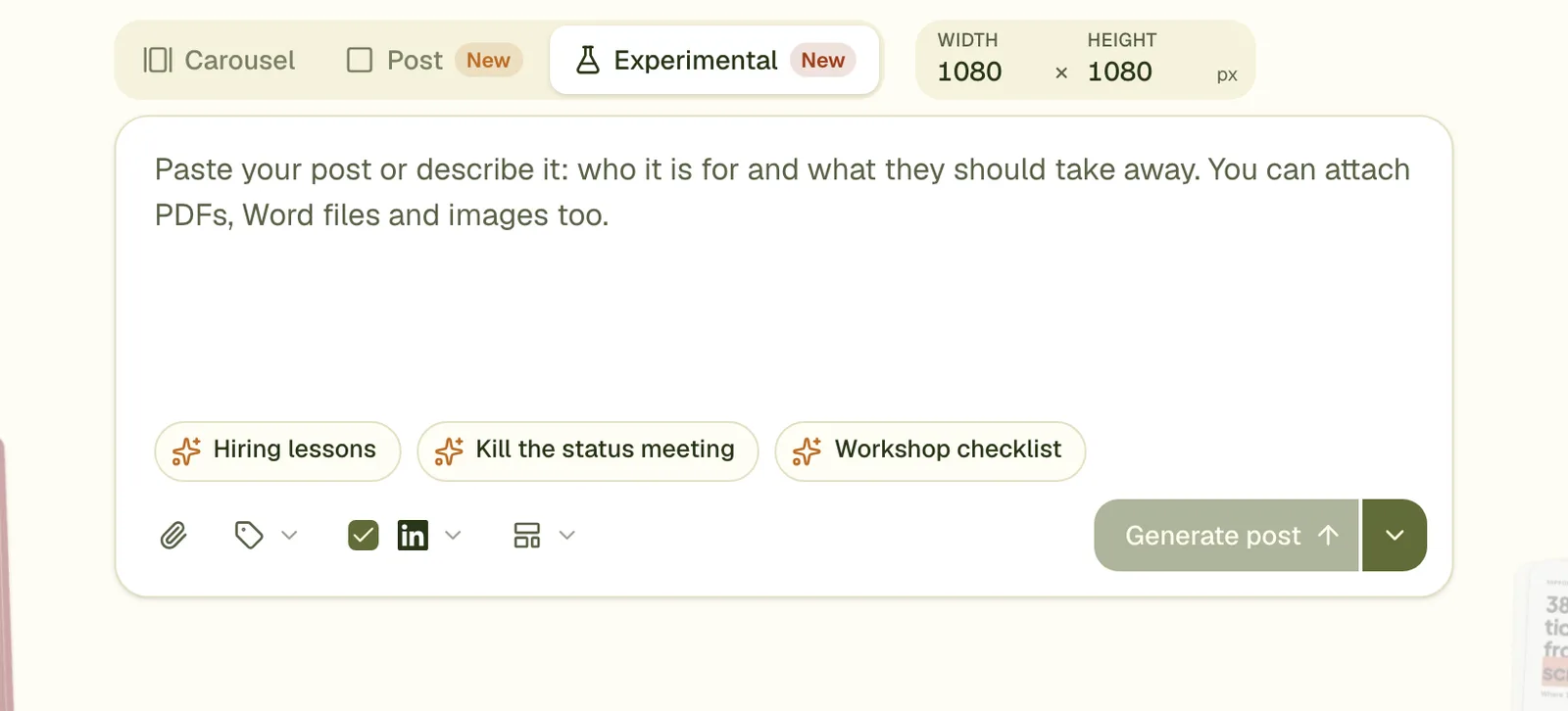
- Choose the Experimental tab above the prompt box. It is marked New in red, because it is not production ready.
- Type a width and a height in pixels.
- Describe the image and press Generate. You get one image designed for that shape, with the words already on it.
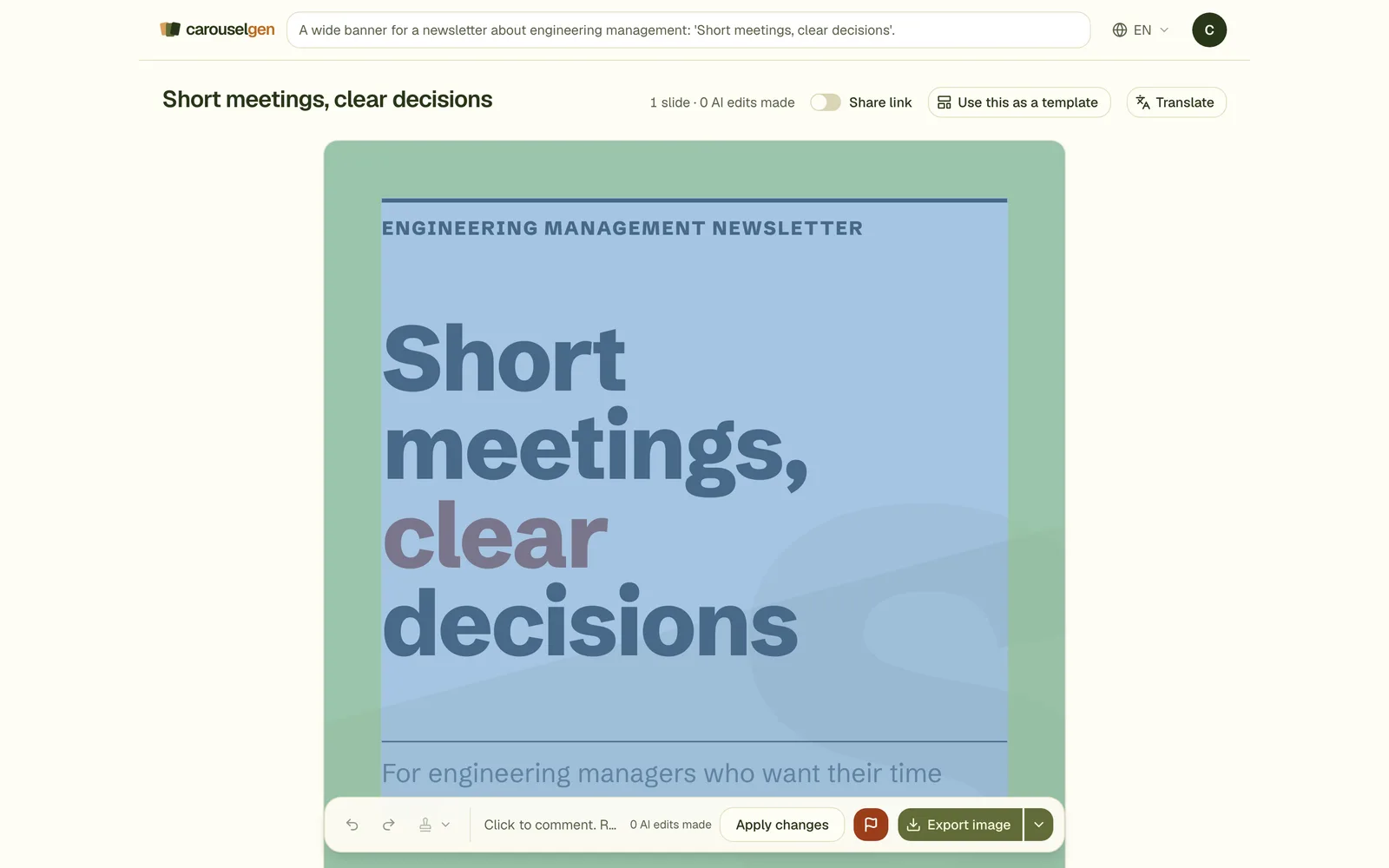
- Edit it like any slide, then export it as one PNG.
Limits
- Each side from 200 to 3,840 pixels, and no more pixels in total than 3,840 by 2,160.
- One image per generation, not a deck.
- Text sizes scale with the image: the minimum body size on a 1080 pixel slide is scaled to the shorter side of your canvas.
- The logo, the carouselgen mark and drawn illustrations keep their fixed pixel sizes, so they look small on a 4K image and large on a tiny one.
Good uses
- A newsletter or blog header in the exact size your platform wants.
- A square image for Instagram or a 1.91:1 link image.
- A tall image for a story.
- A 16:9 slide for a talk, one image at a time.
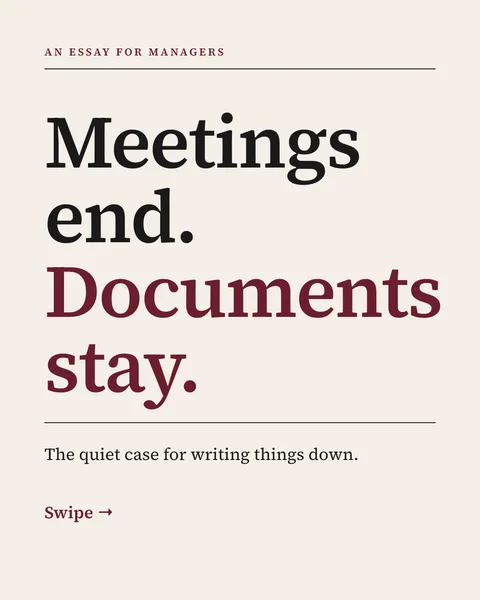
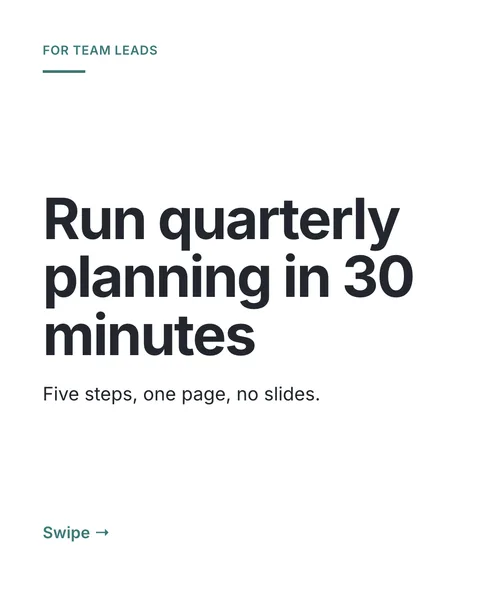
This is the format that made the card pictures on the guides page. For a swipeable document, use the carousel format. For a single portrait image post, use the Post format.
Questions
Is it the same as an AI image generator?
No. It designs text and layout, with flat shapes and optional drawn illustrations. It does not make photographs.
Why does it say not production ready?
Sizes far from the portrait carousel have had less testing, and some fixed elements do not scale. Check the result before you rely on it.
Can I use it from Claude?
Yes. The create tool takes the format image with a width and a height, and the images export gives you the PNG.
Try it on your own carousel
Make a carousel from a short brief, then use this feature on it. It takes about a minute to get the first draft.
Try for free nowNo sign-up needed to try. The free plan exports with a small carouselgen.com mark.